WooCommerce My Account Page Plugins Compared (2026)
The three types of WooCommerce My Account plugins - page builders, tab add-ons, and full dashboard replacements - and how to choose.
"WooCommerce My Account plugin" covers three genuinely different products, not one category with different brands. Knowing which type you actually need before comparing specific plugins saves a lot of wasted evaluation time - a page builder add-on and a full dashboard replacement solve completely different problems, even though both get marketed under the same search terms.
The three sub-categories
Category 1: page builder add-ons
These style the My Account page's outer wrapper - background, spacing, container width, sometimes typography - using your existing page builder (Elementor, Divi, and similar). What they can't touch is the tab content itself, since that's rendered by WooCommerce's own templates, not by page-builder blocks. Good for cosmetic polish; can't restructure a table or add a real dashboard summary.
Category 2: endpoint/tab add-ons
These add new sections - a wishlist tab, a loyalty points tab, a referral program - using the same rewrite-endpoint mechanism covered in our custom tab tutorial. The default tabs (orders, downloads, addresses) keep rendering exactly as WooCommerce ships them; only new sections get the plugin's styling. Good for adding specific functionality; doesn't change the core experience.
Category 3: full dashboard replacements
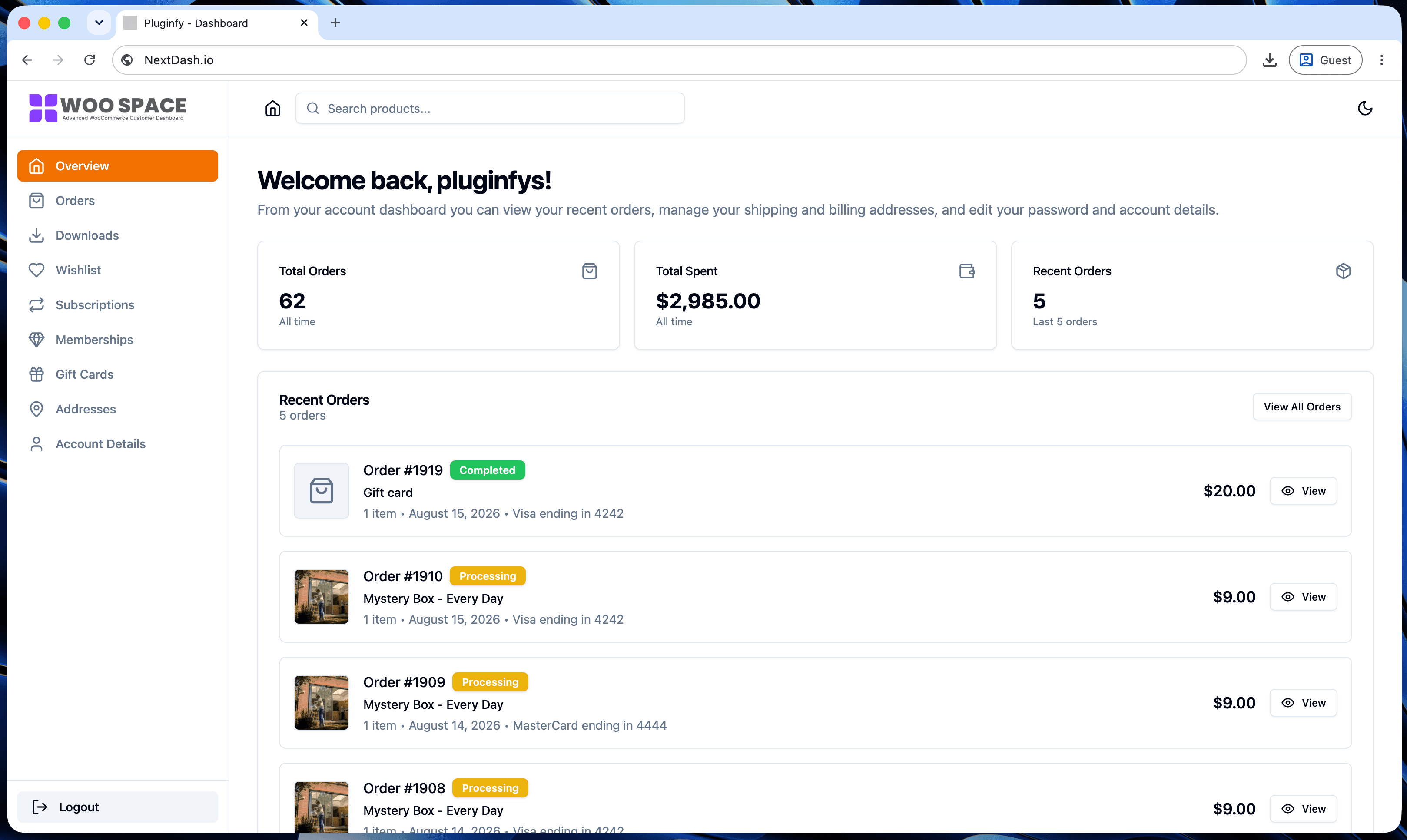
These render an entirely different UI on the account page - a different rendering model, not an addition to WooCommerce's existing templates. Every screen (orders, downloads, addresses, and anything else) is rebuilt, not just styled or supplemented. This is NextDash's category: see our default vs NextDash comparison for what that rebuild actually changes.
Comparison table
| Page builder add-on | Endpoint/tab add-on | Full replacement | |
|---|---|---|---|
| Setup time | Low | Low-medium | Medium |
| Design control | Wrapper only | New sections only | Every screen |
| Performance impact | None (CSS only) | Minimal (adds a tab) | Depends on implementation - client-side routing can improve it |
| Maintenance | None (theme-level CSS) | Low (a few hooks) | None if the plugin owns its own rendering |
| Fixes default tables/tabs? | No | No | Yes |
How to pick based on your actual problem
- Purely cosmetic (colors, spacing don't match your brand) → a page builder add-on is enough. See our CSS guide if you'd rather do this with a few lines of CSS and skip the plugin entirely.
- Missing one specific feature (a wishlist, loyalty points) → an endpoint/tab add-on, or build it yourself if it's simple enough.
- The whole experience feels dated, slow, or generates support tickets (see our guide to reducing support tickets) → this is a category 3 problem. Styling or adding a tab won't fix an underlying rendering model that reloads the full page on every click.
Most stores that eventually land on a full replacement tried category 1 or 2 first - not because those categories are bad, but because they solve a narrower problem than the one the store actually had.
FAQ
Can I use a page builder add-on and an endpoint add-on together? Yes - they don't conflict, since one styles the wrapper and the other adds new tabs. Using both alongside a full replacement doesn't make sense though, since the replacement already owns the entire rendering.
Is a full replacement always the "best" option? No - if your only issue is cosmetic, a full replacement is more than you need. Match the category to the actual problem (see the section above) rather than defaulting to the most powerful option.
How do I tell which category a specific plugin falls into before installing it? Check what it claims to change: "customize the design/colors" is usually category 1, "add a tab/section" is category 2, and "replace the My Account page" or "new customer dashboard" is category 3. The marketing language for full replacements is usually the most explicit of the three.
Skip the custom code — install NextDash
NextDash replaces the default WooCommerce My Account page with a modern React dashboard out of the box: order management, downloads, addresses, dark mode, and fast client-side navigation, no template overrides required.