Reduce WooCommerce Support Tickets With a Better Account Page
The most common WooCommerce support tickets are self-service problems. Here's how a better My Account page eliminates them.
Most WooCommerce support tickets aren't product problems - they're information the customer couldn't find. That distinction matters, because it means the fix usually isn't more support staff. It's a My Account page that answers the question before it becomes a ticket.
The most common "where is my..." tickets
Four categories cover the large majority of self-service-shaped tickets:
- "Where is my order?" - status and tracking exist somewhere, but not visibly enough on the account page for the customer to find it themselves.
- "Can you resend my invoice/download?" - the file exists, but the downloads tab is easy to miss or the link expired without the customer realizing why.
- "Can you update my address?" - the customer either can't find the edit form or hits friction using it, so they email instead.
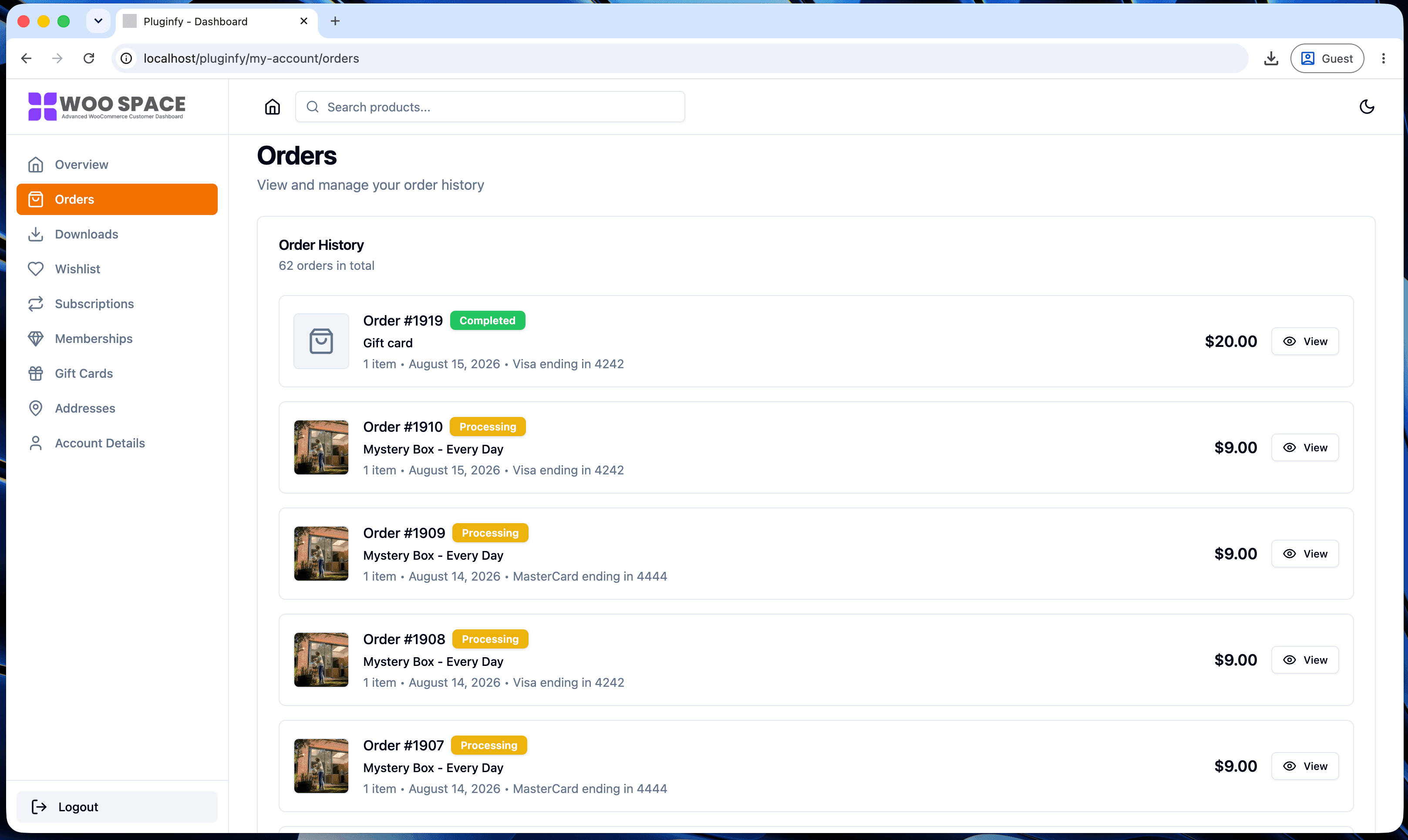
- "How do I check my order history?" - especially common on mobile, where the default page's tables are hardest to use.
None of these are support problems. They're UX problems wearing a support ticket as a disguise.
Making order status and tracking visible without a ticket
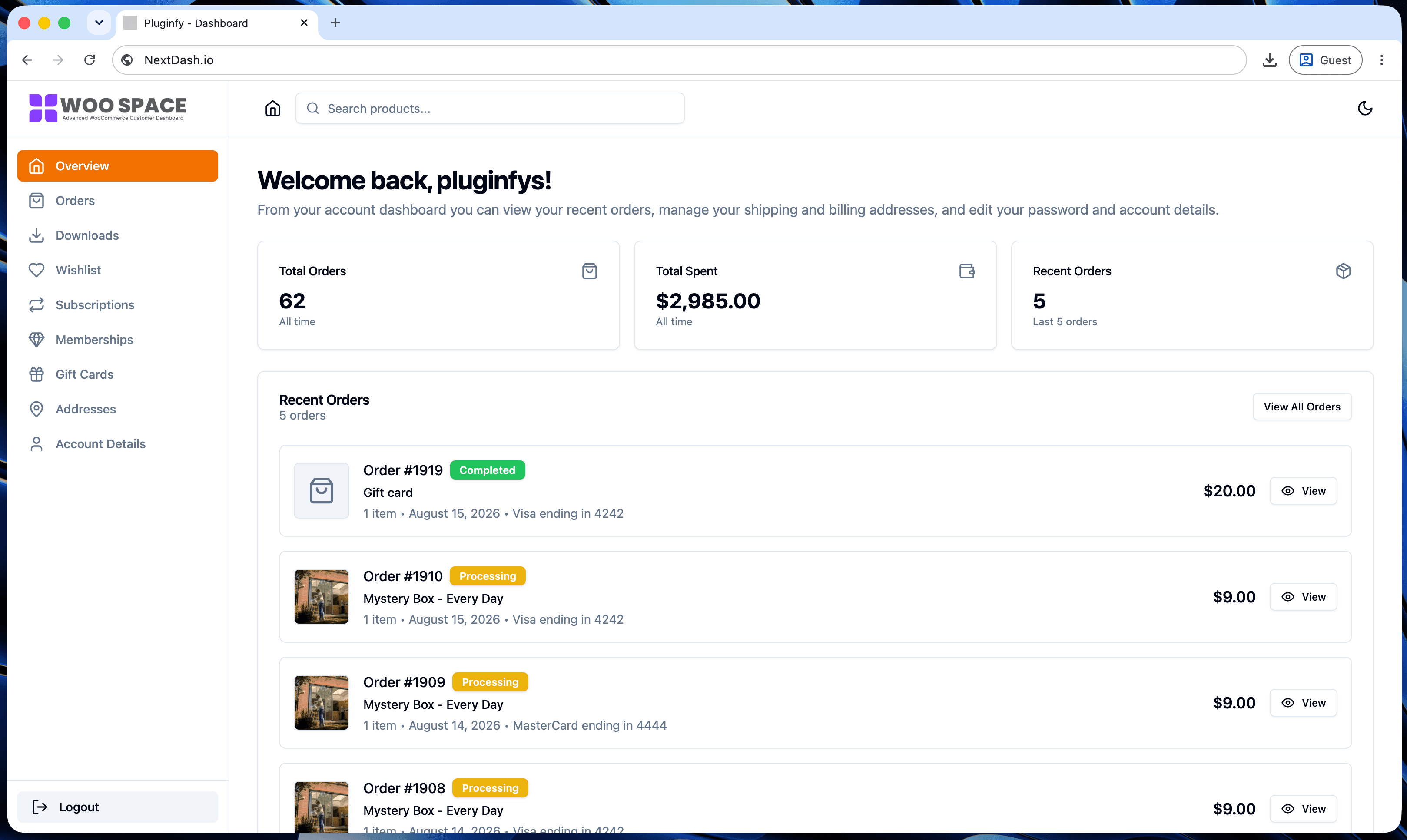
The single highest-leverage fix: put order status and tracking directly on the order, not one click away or absent entirely. A status timeline (placed → processing → shipped → delivered) and a visible tracking link answer "where is my order" on sight - see Pattern 4 in our design examples roundup for what this looks like in practice.
Self-service downloads instead of "please resend the file"
For stores selling digital products, a downloads tab that's easy to find and clearly shows what's available (and if anything expired, why) eliminates most "can you resend this" emails outright. The failure mode here is usually visibility, not functionality - the download exists, the customer just didn't find the tab.
Address/payment self-editing instead of "can you update this for me"
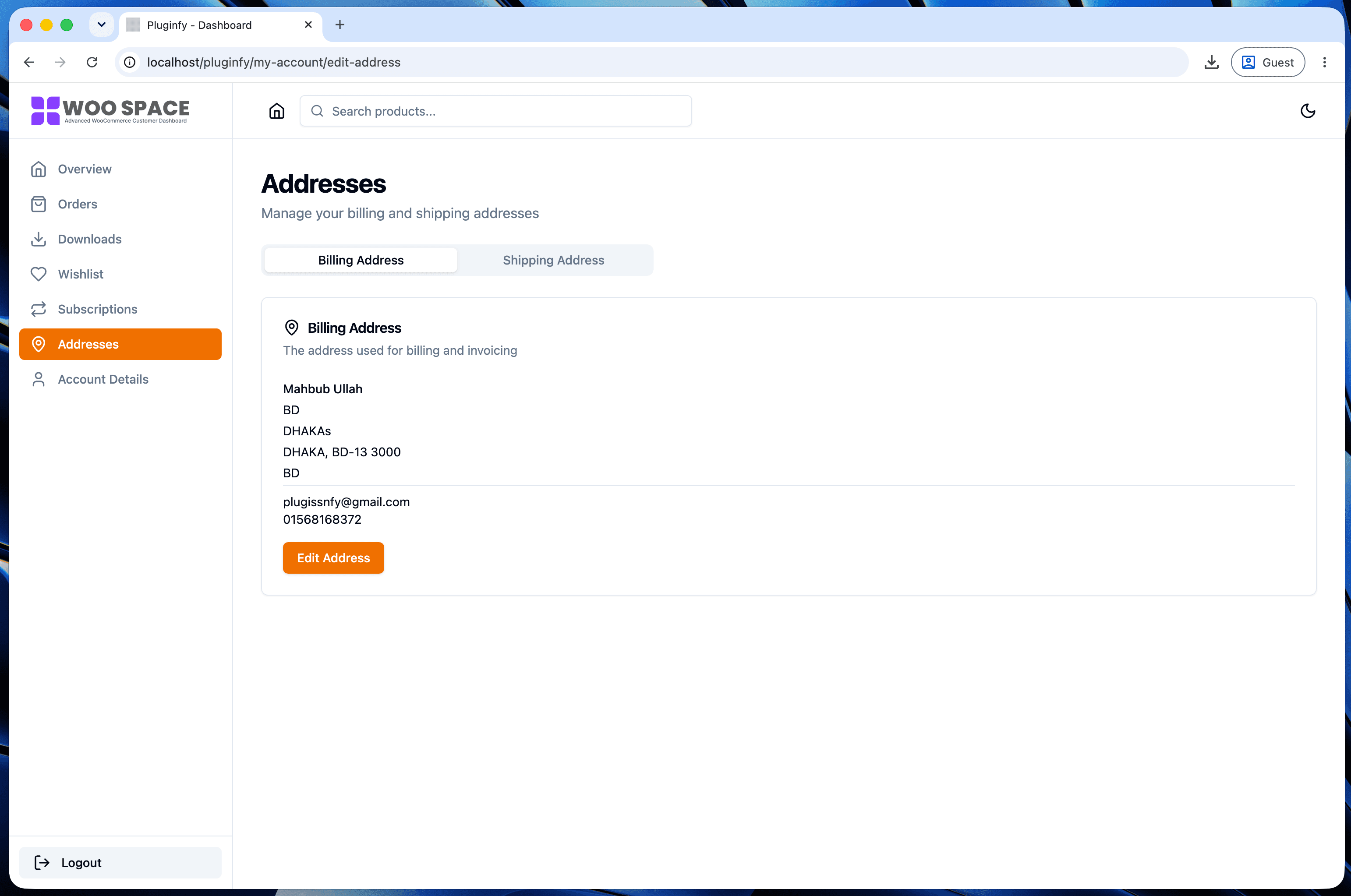
If updating a shipping address requires emailing support because the edit form is confusing or hard to find, every address change becomes a ticket. A clearly labeled, easy-to-use address editor turns that into a zero-support self-service action - the same for payment methods on stores handling subscriptions or saved cards.
Measuring the before/after
Before making changes, tag support tickets by category in your helpdesk for a few weeks (most helpdesks support this natively) - "order status," "download issue," "address change," "account access." That baseline is what proves the fix worked. After shipping a better My Account page, re-measure the same categories over an equivalent period. A real drop in exactly those categories - not overall ticket volume, which has too many other variables - is the signal to look for.
This is a UX problem, not a support-staffing problem
It's tempting to solve rising ticket volume by hiring more support staff. That treats the symptom. If customers can't self-serve basic information, adding headcount just processes the same preventable tickets faster - it doesn't reduce how many get created. Fixing the account page addresses the actual cause.
This is exactly the case for a dashboard like NextDash: visible order status and tracking, a proper downloads center, self-service address editing, and a design that doesn't hide the things customers are looking for - see our default vs NextDash comparison for what changes specifically. Every one of the four ticket categories above maps directly to a feature it ships by default.
FAQ
How long before I'd see a measurable drop in tickets? Usually within one full billing/order cycle for your store - long enough for repeat customers to encounter the new account page during a normal order-status check rather than a rare one-off visit.
Which ticket category usually drops the most? Order status/tracking tickets, in most stores - it's both the highest-volume category and the one most directly fixed by making status visible on the page instead of requiring a support reply.
Do I need to redesign the whole account page to see results? No - even fixing just order status visibility (the single highest-leverage change above) typically produces a noticeable drop on its own. The other three categories compound the effect but aren't required to start seeing one.
Skip the custom code — install NextDash
NextDash replaces the default WooCommerce My Account page with a modern React dashboard out of the box: order management, downloads, addresses, dark mode, and fast client-side navigation, no template overrides required.