Best WooCommerce Subscription Plugins Compared
WooCommerce Subscriptions vs YITH, WPSubscription, and other recurring-billing options - what actually differs, and how to choose.
Recurring billing on WooCommerce isn't one plugin's territory - the official extension, several third-party alternatives, and even gateway-native options all solve overlapping versions of the same problem. Here's what actually differs between them.
Evaluation criteria
Per WooCommerce's own guidance on evaluating subscription tools, the decision criteria that matter most are failed-payment handling, renewal retry logic, proration rules, and mixed-cart behavior - not a feature checklist. Price and install count are easy to compare; those four are what actually determines whether renewals succeed reliably.
WooCommerce Subscriptions (official)
The first-party extension, built and maintained by Automattic/WooCommerce directly, with support for 25+ payment gateways and deep native integration - subscription products behave as first-class WooCommerce products, including customer self-service (upgrade, downgrade, pause, cancel) from My Account. The safest default for most stores specifically because it's officially maintained alongside WooCommerce core itself, reducing the risk of compatibility breaks after a WooCommerce update.
YITH WooCommerce Subscription
A credible third-party alternative with real adoption (8,000+ active installs on WordPress.org), often recommended specifically for subscription box businesses - recurring shipments of physical products rather than purely digital/service billing.
Subscriptions for WooCommerce (WPSubscription)
A free-tier alternative supporting Stripe, PayPal, Paddle, Mollie, Razorpay, and Xendit, letting any simple, variable, or virtual product become a subscription with configurable billing cycles, trials, and sign-up fees. The Pro tier (sold via wpsubscription.co) adds installment plans, subscription health monitoring, and recovery campaigns, priced meaningfully below the official extension - a real budget option for stores that don't need the deepest native integration.
Flexible Subscriptions
A lighter-weight WordPress.org plugin for stores that want basic recurring billing without the fuller feature set (and higher price) of the options above.
Paid Memberships Pro
Positioned more toward membership/access-control than pure product subscriptions, but commonly used where the actual need is recurring access to content or a service rather than recurring shipment of a physical product - worth considering if that's closer to your actual use case. 100% open source, free to use with no site limit, with paid tiers for premium support and add-ons.
WooCommerce Payments' native subscription support
Per WooCommerce's own documentation comparing subscription options, WooPayments has its own built-in recurring billing path, distinct from installing a separate subscriptions plugin - worth checking if you're already using WooPayments as your payment gateway before adding another plugin on top.
How to choose
If you're already committed to staying close to WooCommerce core and can absorb the official extension's cost, it remains the lowest-risk default. Budget-conscious stores or ones needing more payment gateway flexibility should look at WPSubscription's free tier first. Subscription box businesses specifically should weigh YITH's track record in that use case. And if the actual need is membership/content access rather than shipped products, Paid Memberships Pro solves a meaningfully different problem than the others on this list.
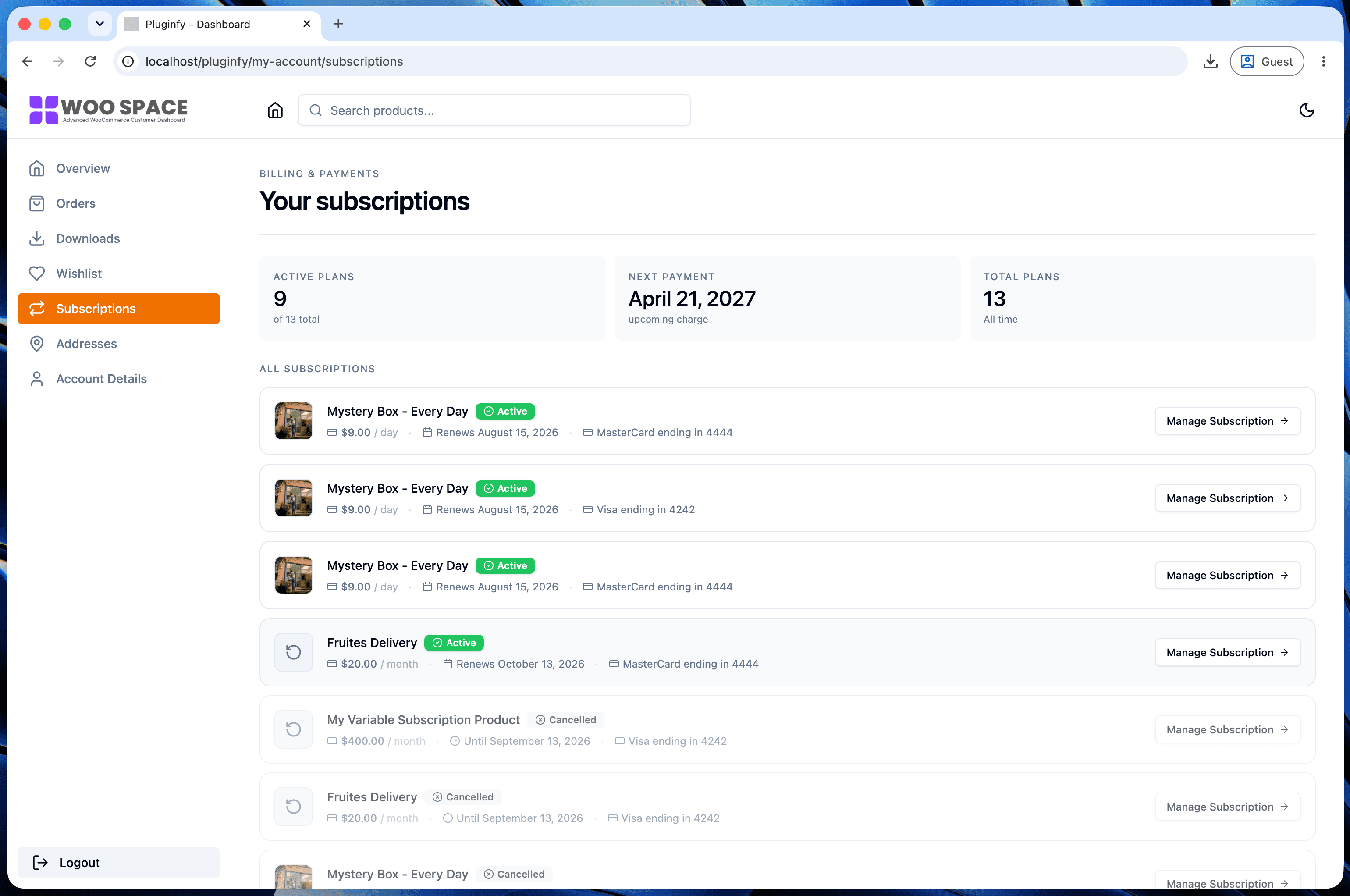
Whichever plugin handles the billing, customers still need to actually see and manage their subscription status somewhere - our design patterns roundup covers what surfacing that clearly on the My Account page looks like, regardless of which subscription plugin generates the underlying data.
FAQ
Can I switch subscription plugins after launching with one? It's possible but not trivial - active subscriber billing schedules and payment tokens are tied to the plugin managing them, so migrating means either a supported migration path (check if one exists between your specific two plugins) or manually re-establishing subscriptions, which risks disrupting active billing.
Does a subscription plugin affect checkout speed? Minimally for most of these - subscription logic mostly affects order processing and recurring billing execution, not the checkout page's initial load, unlike real-time shipping rate plugins which do add a checkout-time API call.
Is the official WooCommerce Subscriptions extension worth the price over free alternatives? For stores prioritizing update compatibility and native integration depth, often yes. For budget-conscious stores with simpler subscription needs, the free tier of an alternative like WPSubscription can be genuinely sufficient - it depends on which of the evaluation criteria above matters most for your specific store.
Skip the custom code — install NextDash
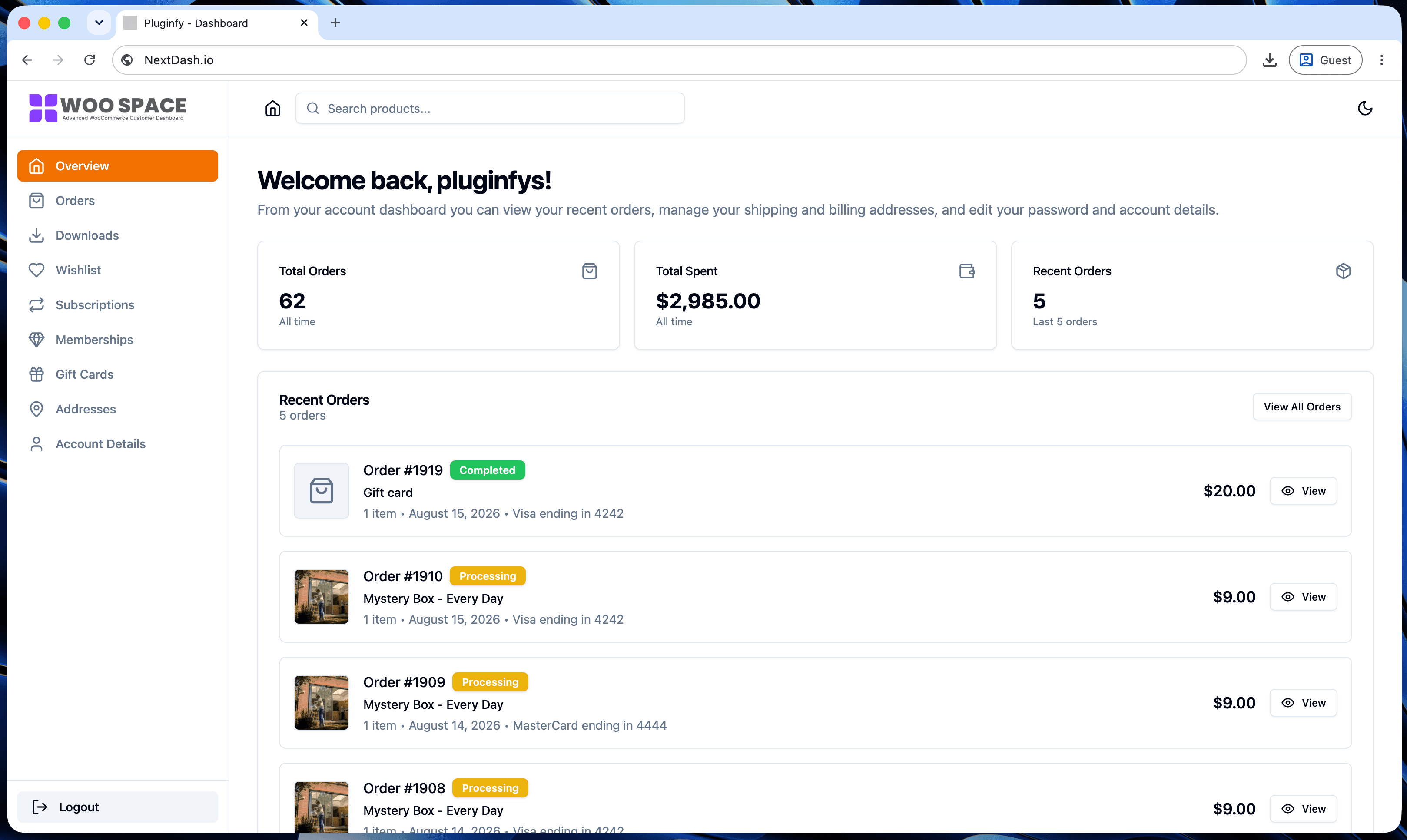
NextDash replaces the default WooCommerce My Account page with a modern React dashboard out of the box: order management, downloads, addresses, dark mode, and fast client-side navigation, no template overrides required.