Does the WooCommerce My Account Page Need SEO?
Should the WooCommerce My Account page be indexed? Here's why noindex is correct, and where the real SEO opportunity actually is.
Short answer first, since this shouldn't be buried: no, the WooCommerce
My Account page should not be indexed. It's behind a login wall, has no
unique content a search engine would want to rank, and duplicates the
same URL structure for every logged-in visitor. noindex is the correct,
intentional setting - not an oversight to fix.
Why noindex, not blocked in robots.txt
These solve different problems, and mixing them up causes real issues.
Per Google's own
documentation,
noindex only works if the page is actually crawlable - if you block it
in robots.txt instead, Google's crawler never reaches the page to see the
noindex rule at all, and a URL that's already been linked or indexed
elsewhere can still show up in search results with no snippet, which
looks worse than a clean exclusion. The correct setup: allow crawling,
but mark the page noindex so Google can see the instruction and honor
it properly.
What actually matters instead
Two things, neither of them "will this page rank":
- Crawl budget - if your account area generates large numbers of URL variants (paginated order history, filtered views), letting bots crawl all of them wastes crawl budget that would be better spent on pages you actually want indexed. Scope what's crawlable deliberately rather than leaving it wide open by default.
- Site-wide Core Web Vitals field data - if enough real users hit My Account, its performance still contributes to your site's aggregate field data in ways that can matter indirectly. See our Core Web Vitals deep dive for the exact mechanics of what is and isn't measured here.
Where the actual SEO opportunity is
Not the account page itself - content about the problems it solves. Every post in this series (this one included) targets exactly that gap: real search demand around customizing, troubleshooting, and comparing My Account solutions, none of which requires indexing a logged-in page to capture. If you're optimizing for search traffic around WooCommerce My Account, a blog like this is the lever that actually exists to pull - the account page itself was never going to be it.
Checking your own setup
Two quick checks:
- View source on your live My Account page (logged out is fine,
since the meta tag should be present regardless) and look for
<meta name="robots" content="noindex">in the<head>. - Confirm robots.txt isn't also blocking it - check that
/my-account/(or whatever your account page's path is) doesn't appear in aDisallowrule, which would prevent thenoindextag from ever being seen per the mechanism above.
This distinction matters more for a page that might get linked from
elsewhere than one that genuinely never is. WooCommerce's My Account page
can accumulate incoming links a store owner doesn't control - a customer
bookmarking it, a third-party integration linking back to it - which is
exactly the scenario where robots.txt blocking alone risks a bare,
snippet-less URL showing up in results. A page that's authenticated and
essentially never linked externally (an admin dashboard, for instance) is
lower-risk with robots.txt blocking alone; a customer-facing page like
My Account is worth the extra step of an explicit noindex tag rather
than relying on robots.txt exclusion by itself.
FAQ
Will making My Account noindex hurt my site's overall SEO?
No - noindex on a page with no unique public content is the correct
setup, not a penalty. It has no negative effect on how your indexable
pages rank.
Should checkout and login pages be treated the same way?
Generally yes - any page that's login-gated, transactional, or otherwise
not meant to appear in search results should follow the same
crawlable-but-noindex'd pattern, or be excluded from crawling entirely
if there's no reason for bots to reach it at all.
Does this apply to WooCommerce sites specifically, or any logged-in
page?
The principle is universal - any authenticated, non-public page on any
site should be noindex'd rather than indexed. WooCommerce's My Account
is just a common, concrete example most store owners will recognize.
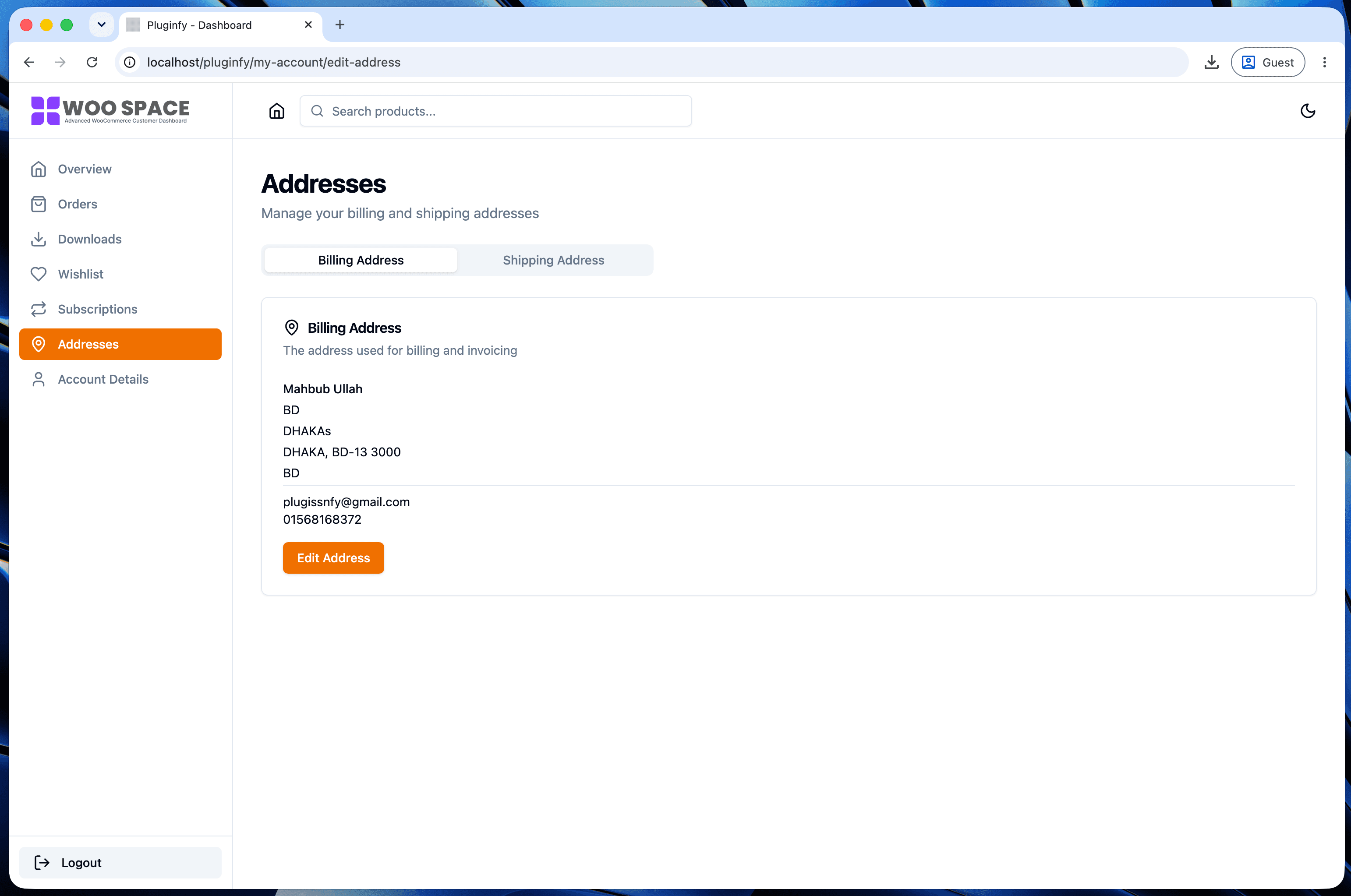
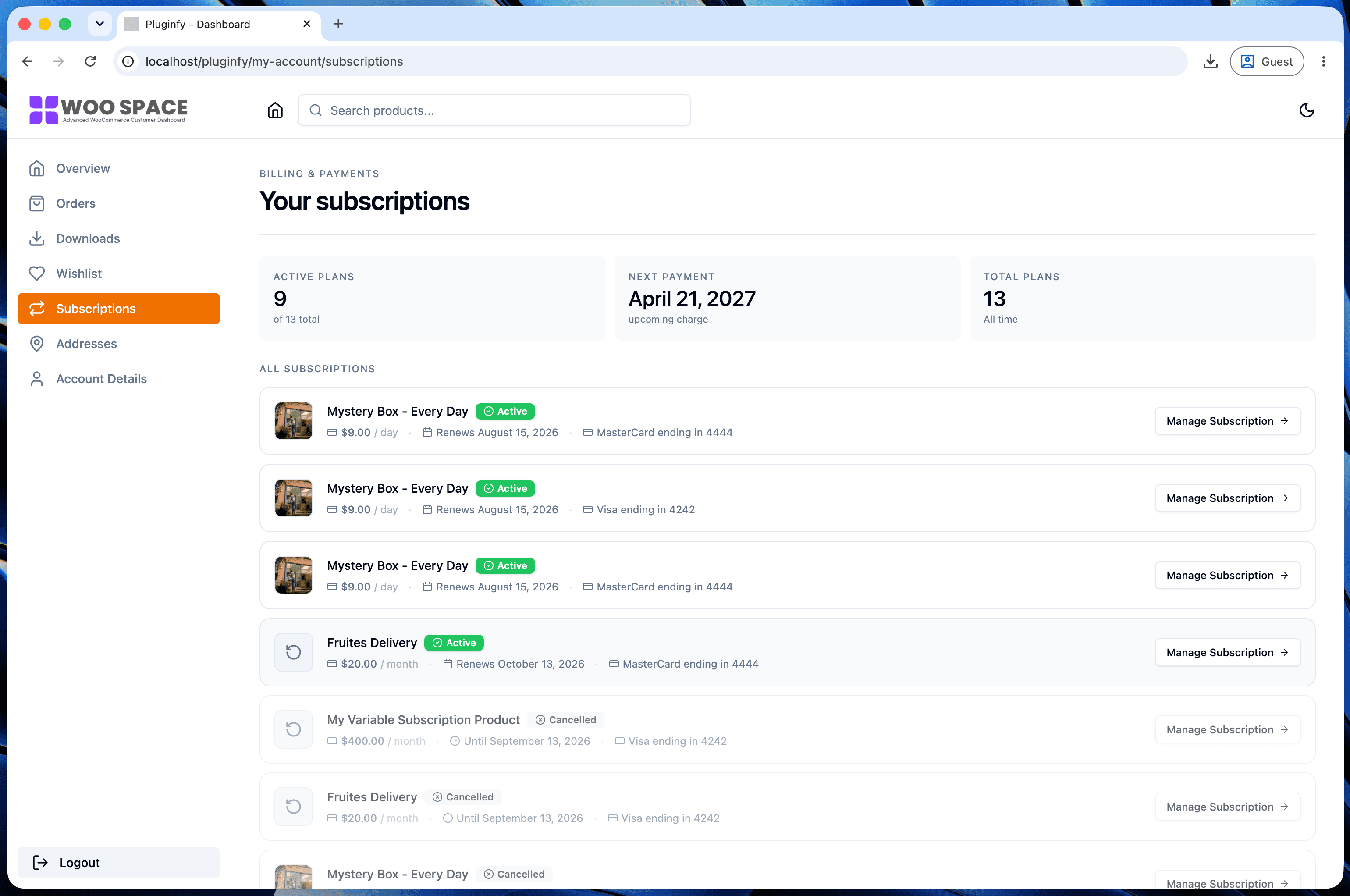
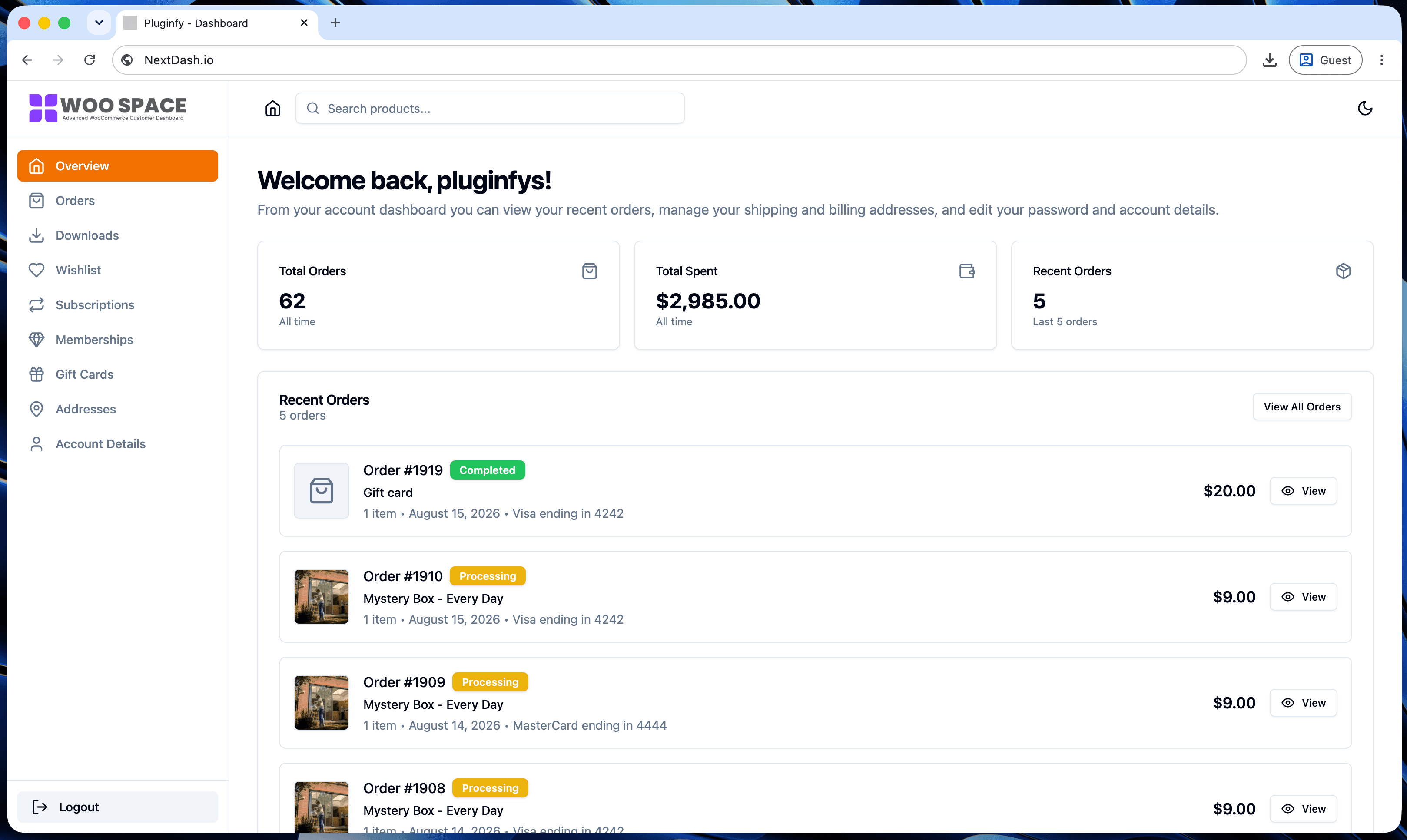
Skip the custom code — install NextDash
NextDash replaces the default WooCommerce My Account page with a modern React dashboard out of the box: order management, downloads, addresses, dark mode, and fast client-side navigation, no template overrides required.