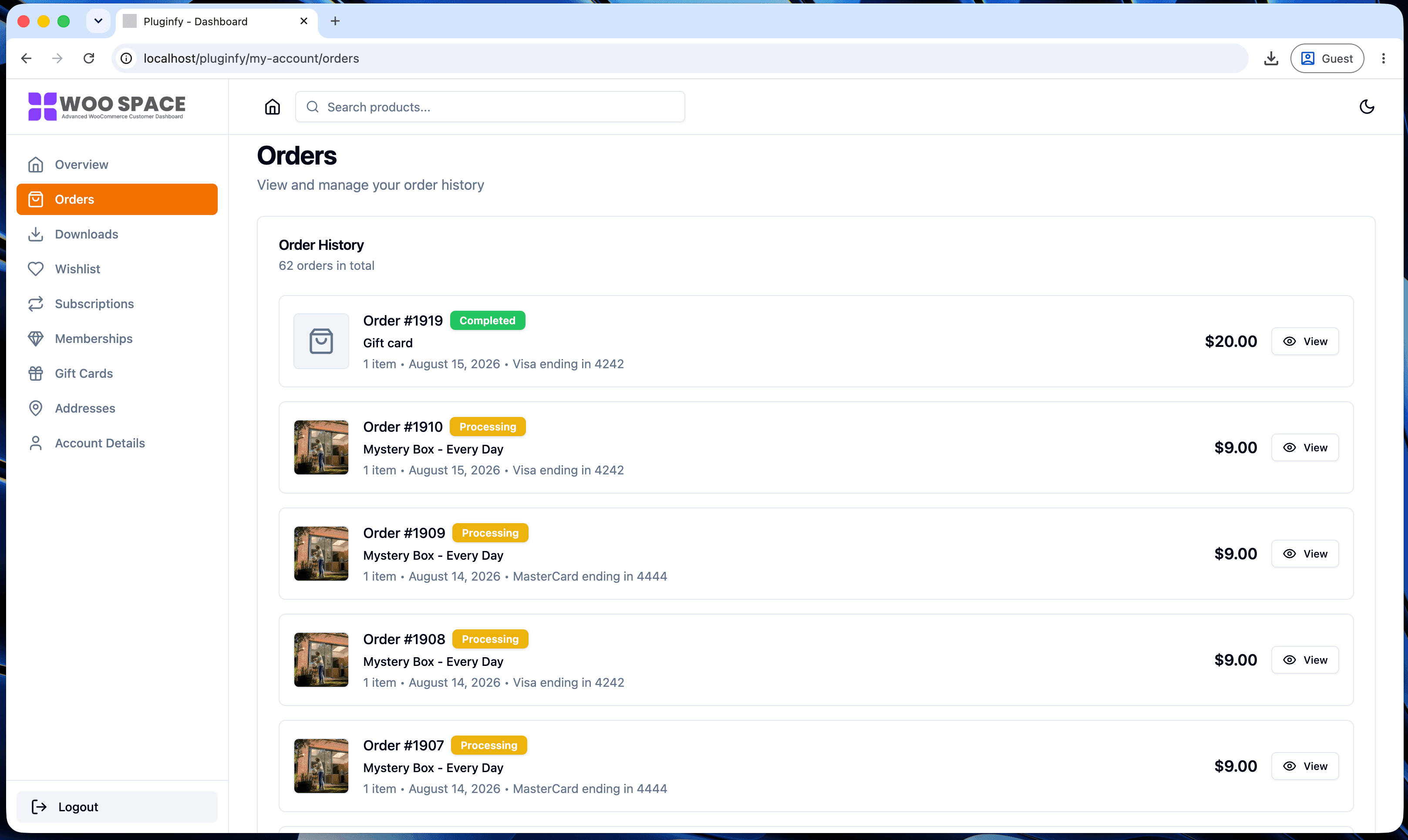
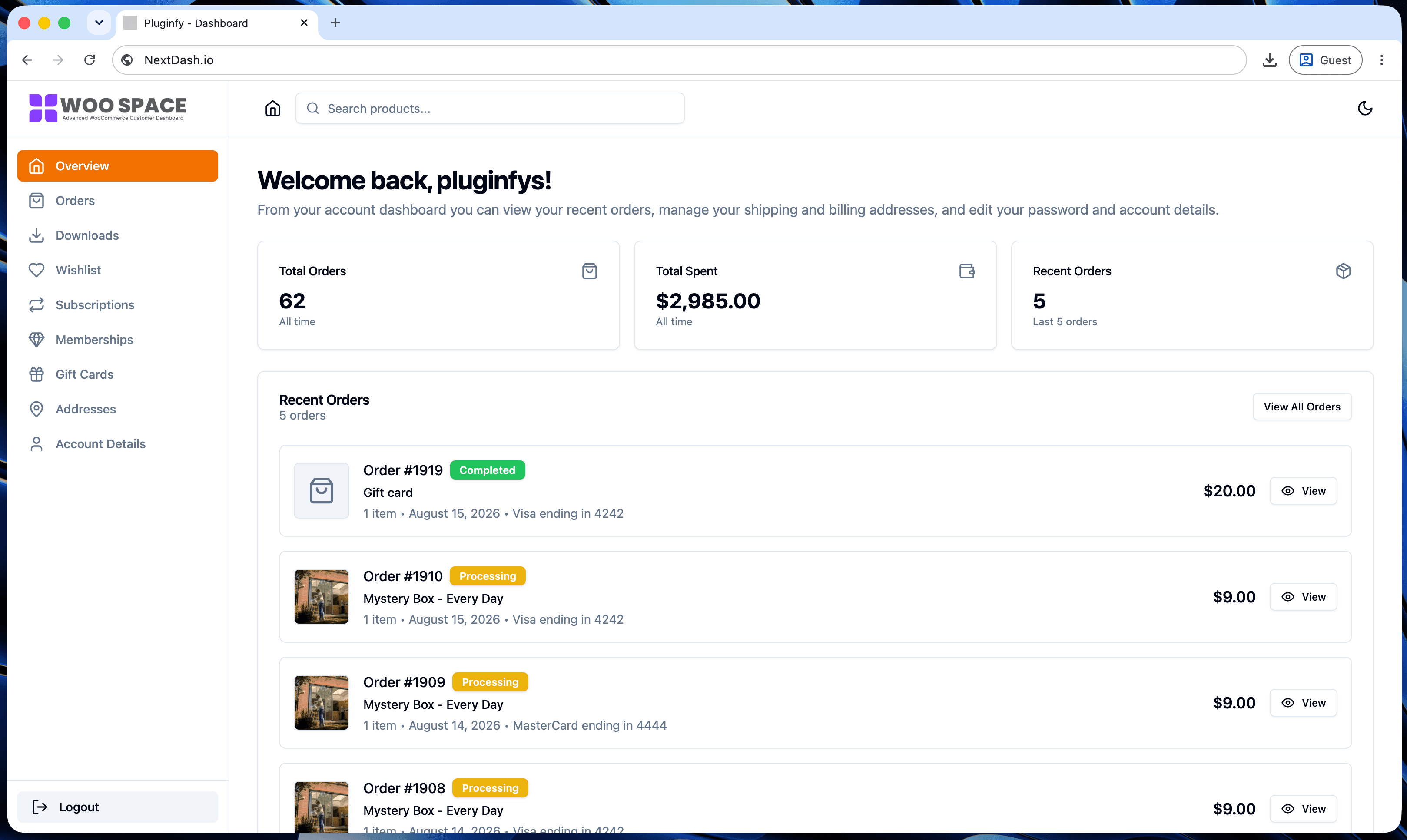
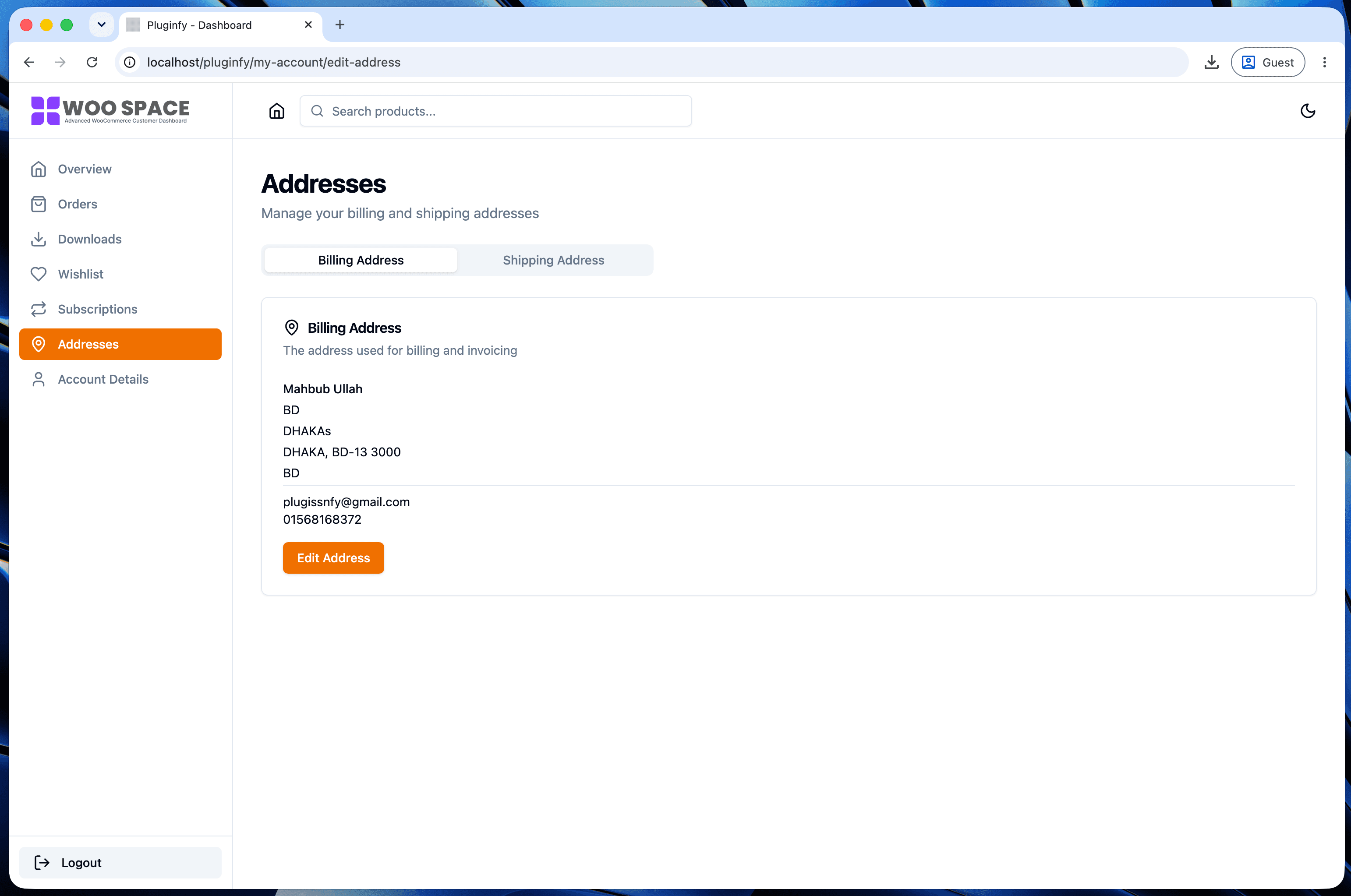
Core Web Vitals and the WooCommerce My Account Page
How LCP, INP, and CLS actually apply to the WooCommerce My Account page, and practical fixes for each.
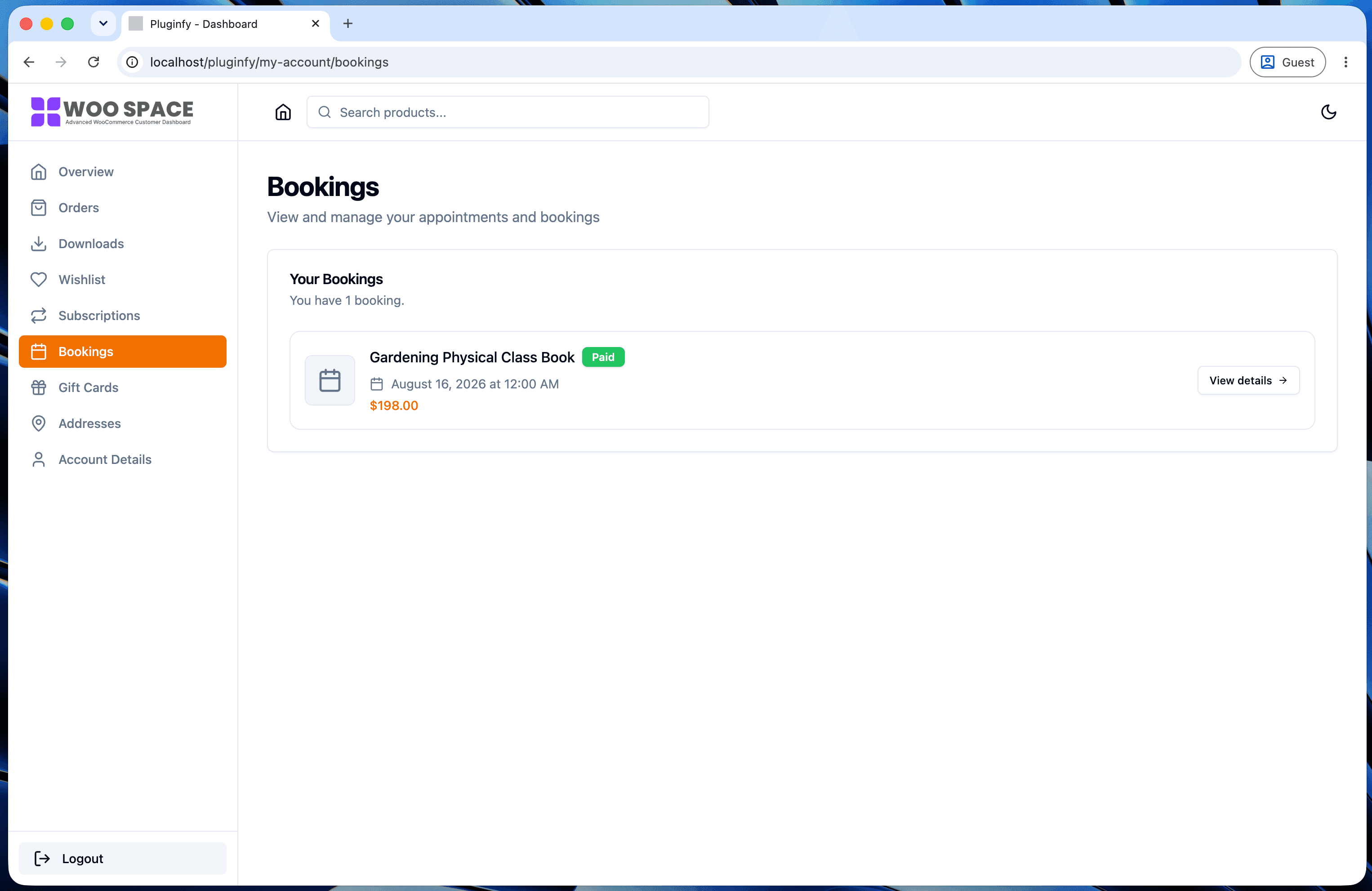
Core Web Vitals get discussed almost entirely in the context of product and landing pages, since those are what drive rankings. My Account rarely comes up - and for a specific, verifiable reason that's worth understanding before you spend time optimizing it for the wrong goal.
Does Google measure a logged-in page for ranking?
No, and this isn't a guess - it's how the Chrome UX Report (CrUX, the
real-user dataset behind Core Web Vitals field data) is scoped by design.
Per Google's own CrUX methodology
documentation, a
page is only eligible for inclusion if it's "publicly discoverable" -
indexable, not blocked by noindex, returning a normal 200 status. My
Account is noindex'd on virtually every properly-configured WooCommerce
store (it's behind a login wall with no unique public content), which
means it's excluded from CrUX by the same rule that would exclude any
other noindex'd page. There's no field data for it feeding into Search
ranking signals, because the dataset was never going to include it.
That doesn't mean My Account's performance is irrelevant - it means the reason to optimize it is UX and retention, not rankings. Our piece on My Account page speed and conversions covers that business case in more detail.
LCP on My Account
Largest Contentful Paint on a typical account page is usually the orders table or a dashboard summary card - whichever is the largest visible element once the page settles. What slows it down:
- Render-blocking theme CSS - a large stylesheet that has to fully load and parse before anything paints
- Unoptimized images - product thumbnails in an order history, or an avatar image, served at full resolution instead of sized for their actual display dimensions
INP: why full reloads make it look worse than it is
Interaction to Next Paint measures responsiveness to user input. On a page that reloads fully per tab click, INP effectively resets to worst-case on every navigation - the browser is parsing a fresh page and re-initializing every script, so the very next interaction after a navigation is competing with all of that setup work. This compounds the speed problem covered in our My Account speed post: it's not just that reloads are slow, it's that they make every subsequent interaction feel sluggish too, right when responsiveness matters most.
CLS: late-loading widgets shifting layout
Cumulative Layout Shift on My Account usually comes from content that loads in after the initial paint - a loyalty points widget, a recommendations block, an async-loaded order count - pushing everything below it down once it arrives. The fix is reserving space for that content up front (an explicit height/aspect-ratio on its container) rather than letting it appear and shove the layout around it.
Practical fixes, in priority order
- CLS first - reserve space for anything that loads asynchronously; this is usually the cheapest fix with the most noticeable UX improvement
- LCP second - properly size and lazy-load images below the fold, defer non-critical CSS
- INP last - the reload-reset problem is architectural (see the next section), so incremental fixes help less here than the other two
How this differs on a React-rendered account page
A client-side-rendered dashboard doesn't re-parse and re-initialize scripts on every tab click, since navigation happens inside an already-loaded application shell - the "INP resets to worst-case per navigation" problem described above doesn't recur the same way after the first load. This is the architectural difference behind NextDash's single-shell approach, and one we're planning to measure directly with real benchmark numbers rather than just describing it.
FAQ
Should I still run Lighthouse or PageSpeed Insights against my My
Account page?
Lighthouse's lab data (not CrUX field data) works on any page including
noindex'd ones, so yes - it's still useful for diagnosing LCP/CLS
issues even though the page won't appear in CrUX or affect Search Console's
Core Web Vitals report.
If My Account doesn't affect rankings, why does this guide exist? Because "doesn't affect rankings" and "doesn't matter" aren't the same thing - it affects real users on a page your best customers visit repeatedly. The business case is conversion and retention, not SEO - see our My Account speed and conversions post for the data on that.
Does noindex on My Account ever hurt me some other way?
No - noindex is the correct, intentional setting for a page like this.
Removing it wouldn't add My Account to CrUX either, since it would still
fail the "sufficiently popular" and content-uniqueness expectations search
engines use for what's worth indexing.
Skip the custom code — install NextDash
NextDash replaces the default WooCommerce My Account page with a modern React dashboard out of the box: order management, downloads, addresses, dark mode, and fast client-side navigation, no template overrides required.