How My Account Page Speed Affects WooCommerce Conversions
Why the WooCommerce My Account page's speed matters more than you'd expect, and what's actually causing it to feel slow.
Product page speed gets most of the optimization attention, and for good reason - it's where first impressions happen. My Account gets almost none, despite being a page repeat customers - your highest-value segment
- hit constantly. The data on what speed actually does to conversion applies here just as much as anywhere else on the site.
Why My Account is a high-frequency page
A first-time visitor might see your product pages once before buying. A repeat customer checking order status, re-downloading a file, or updating a saved address hits My Account on nearly every return visit - often multiple times per session. Page speed problems here don't get diluted across a large first-time audience; they concentrate on the customers who already trust you enough to come back.
What the data says about speed and conversions
This isn't a hunch - it's been measured directly. Google commissioned research firm 55, with Deloitte, to study 37 leading European and American brand sites across 30 million user sessions. The finding: a 0.1 second improvement in core speed metrics increased retail conversion rates by 8.4% and average spend by 9.2%. That's not a full-second win - a tenth of a second moved the number.
Real companies measuring their own sites found similar results, documented by Google's web.dev: Rakuten 24 saw a 33.13% conversion rate increase after investing in Core Web Vitals; Vodafone improved sales 8% from a 31% improvement in Largest Contentful Paint; the BBC found they lost an additional 10% of users for every extra second their site took to load. None of these studies are about My Account specifically - but there's no reason to assume a frequently-visited account page is exempt from an effect this consistent across retail, travel, and media sites alike.
The reload-per-tab cost, quantified
The default WooCommerce My Account page reloads fully on every tab click
- new HTTP request, full HTML response, every enqueued script and stylesheet re-downloaded and re-executed. A typical session (check orders, view a download, update an address - three to five tab switches) means three to five full page loads for information that's fundamentally just different views of the same account data.
At even a modest 1-2 seconds of blank-to-content time per click - common on a theme-heavy WooCommerce store - that's several seconds of pure waiting per session, repeated every time that customer returns. Multiply across your repeat-customer base and it's a meaningful amount of collective time spent on nothing but reload latency.
What actually causes the slowness
It's rarely WooCommerce's own logic that's slow - order queries and address rendering are fast operations. The cost is almost entirely enqueued theme assets reloading on every navigation: header/footer markup, every plugin's CSS and JS, web fonts, tracking scripts - all re-fetched and re-parsed on each tab click, regardless of whether that tab's content actually needs them. This ties directly into support load too - see our guide to reducing My Account support tickets for how a slow, frustrating account area pushes customers toward emailing support instead of self-serving.
What "instant" looks like with client-side routing
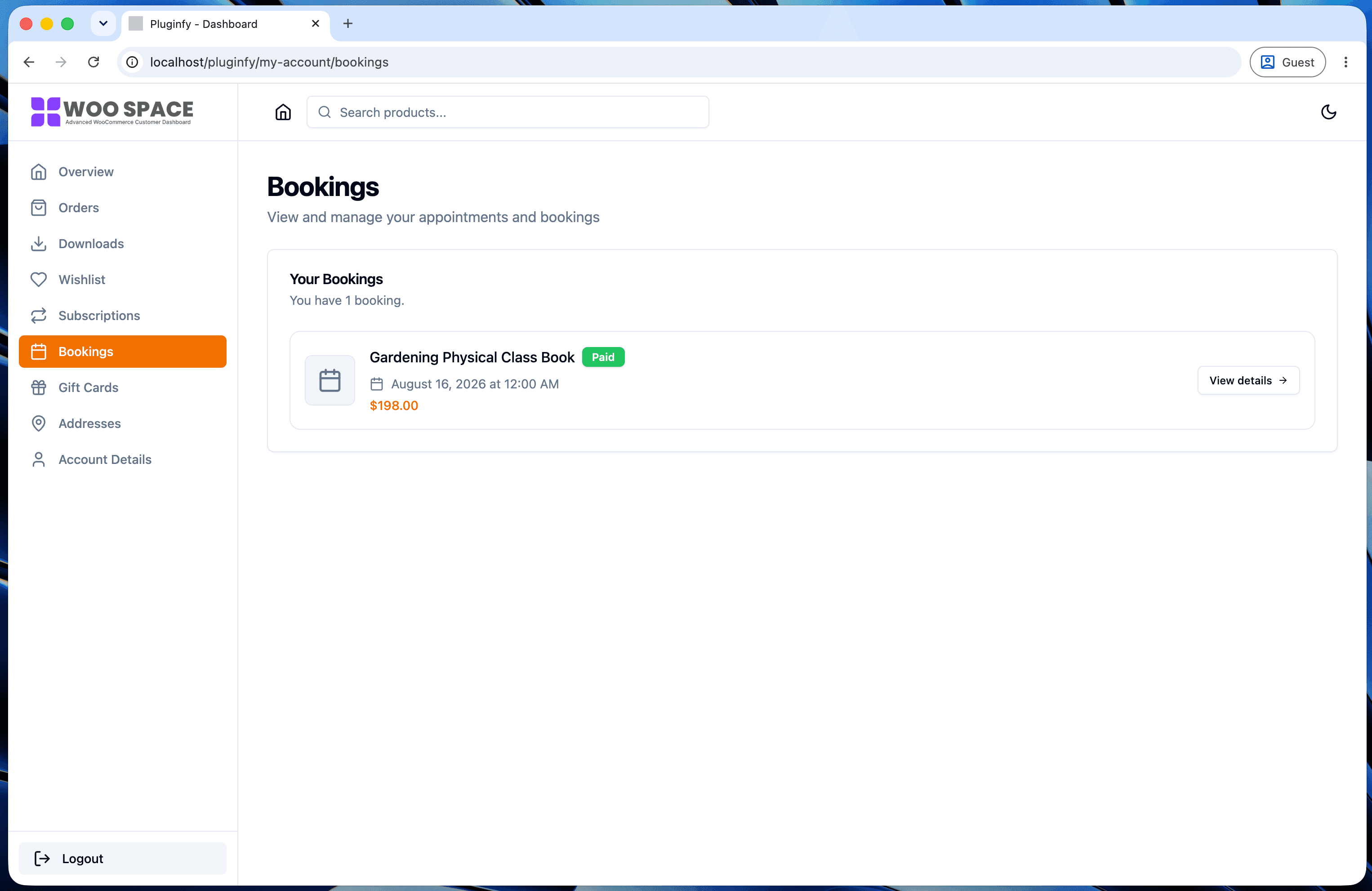
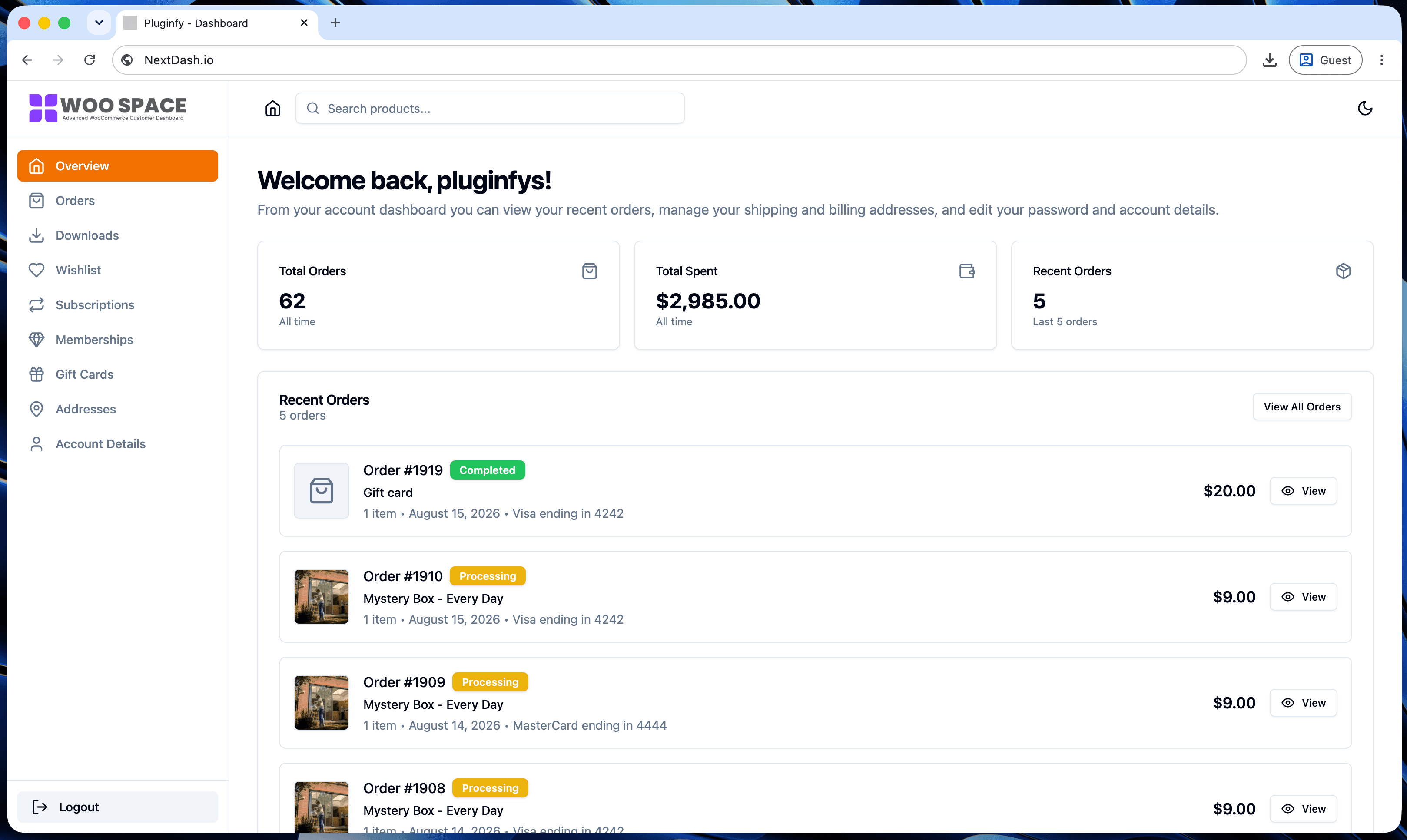
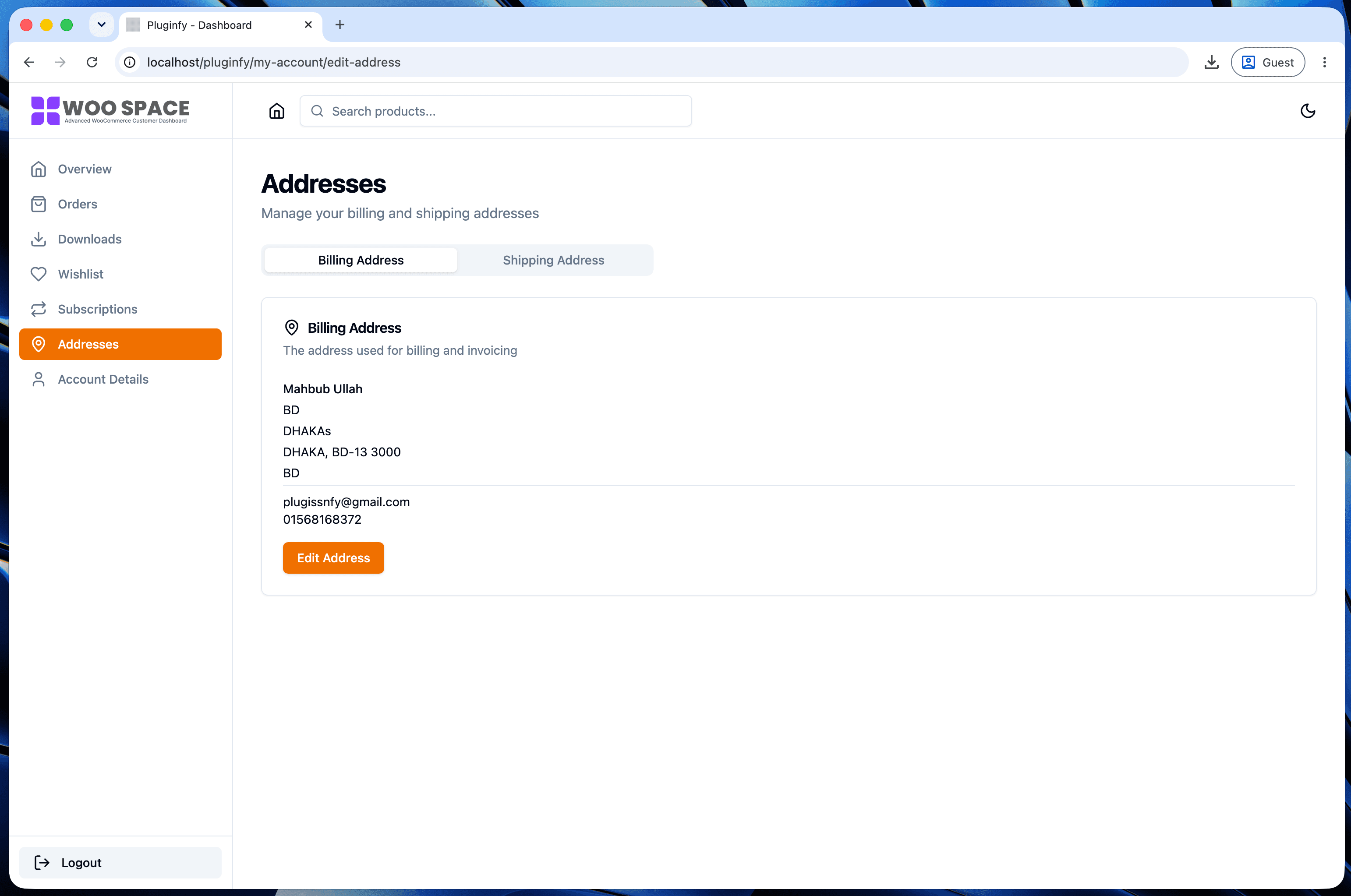
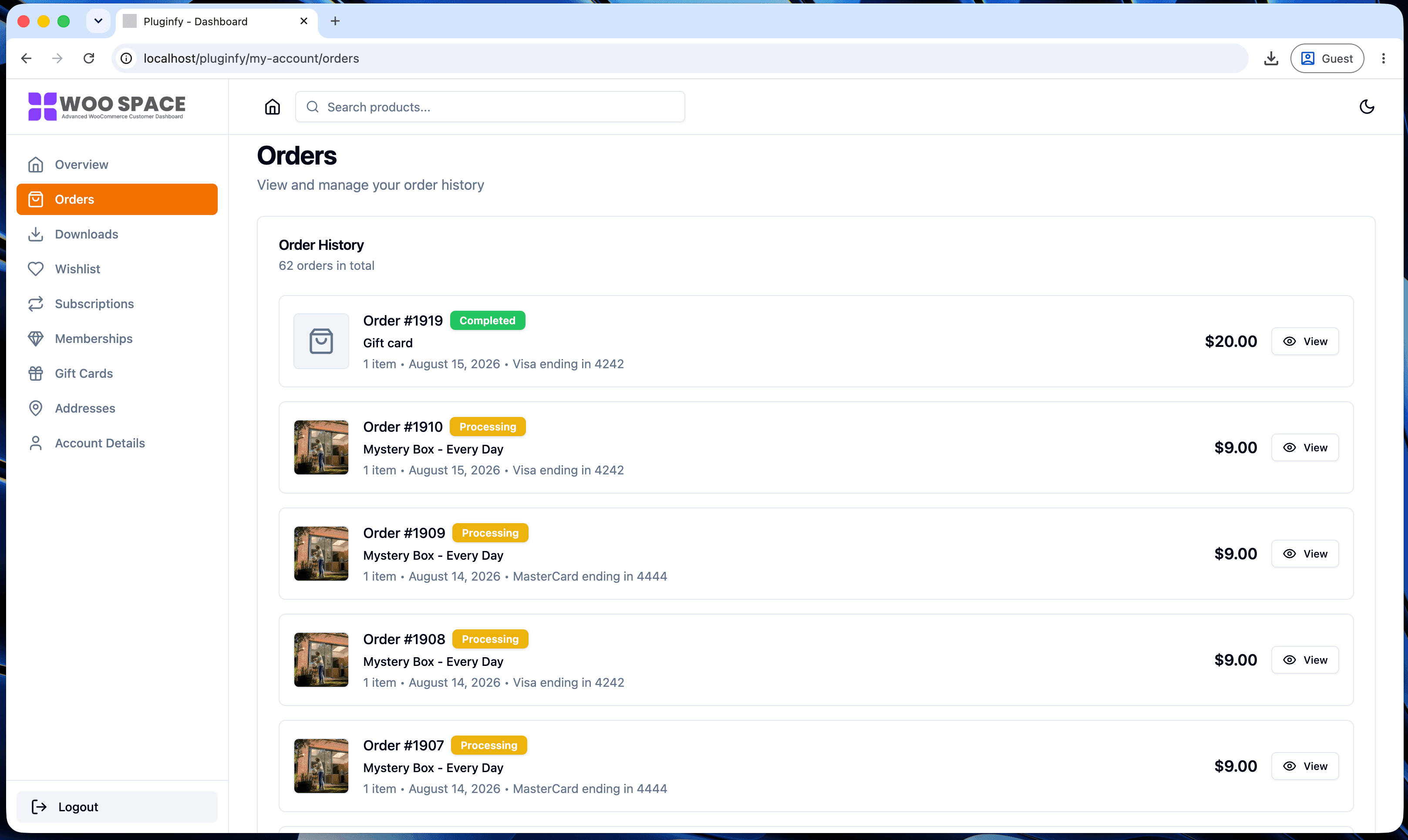
A client-side-rendered dashboard loads its application shell once, then handles tab switches as in-browser route changes - no server request, no re-fetching theme assets that haven't changed. This is the architectural difference covered in our default vs NextDash comparison: the reload cost quantified above doesn't exist in the same way when navigation happens client-side instead of via full page loads. We're building a dedicated benchmark with real measured numbers for this specific comparison - worth checking back for once it's published.
How to audit your own store's My Account speed
- Open Chrome DevTools → Network tab, check "Disable cache" (repeat visitors often have cached assets a fresh audit would miss)
- Log in and click through Orders → Downloads → Addresses, watching the total transferred and time-to-content for each
- Run WebPageTest against your
/my-account/orders/URL specifically, not just your homepage - most default site audits skip logged-in pages entirely - Compare against your product pages - if My Account is noticeably slower, theme assets reloading per-tab are the likely cause
FAQ
Does My Account page speed affect SEO rankings?
Not directly - it's a logged-in, noindex'd page, so it isn't a ranking
signal on its own. It affects conversion and retention instead, which is
arguably the more direct business impact for a page real customers
actually use.
Is a 0.1 second improvement really worth optimizing for? Per the Google/Deloitte data above, yes - that's the exact magnitude that produced an 8.4% conversion lift in their study. Small, consistent wins across enqueued assets add up to exactly this kind of improvement.
Will minifying CSS/JS fix this on its own? It helps, but it doesn't address the root cause - assets still reload on every navigation, just slightly faster. The larger win is reducing what reloads per click at all, which minification alone doesn't change.
Skip the custom code — install NextDash
NextDash replaces the default WooCommerce My Account page with a modern React dashboard out of the box: order management, downloads, addresses, dark mode, and fast client-side navigation, no template overrides required.