WooCommerce My Account Page: Default vs NextDash Compared
A side-by-side look at the default WooCommerce My Account page versus NextDash's React dashboard - design, speed, features, and setup time.
Most stores don't set out to replace their My Account page - they end up there after a few months of small customizations that never quite add up to something that feels modern. This post compares the two paths directly: keep patching the default page, or replace it with a purpose-built dashboard like NextDash.
The short version
| Default WooCommerce | NextDash | |
|---|---|---|
| Navigation | Full page reload per tab | Instant, client-side routing |
| Design | Theme-dependent, inconsistent | Consistent design system, dark mode |
| Setup | Free, built in | Plugin install + shortcode |
| Customization | PHP hooks, template overrides | Settings panel + developer hooks |
| Mobile layout | Desktop template, squeezed | Mobile-first by default |
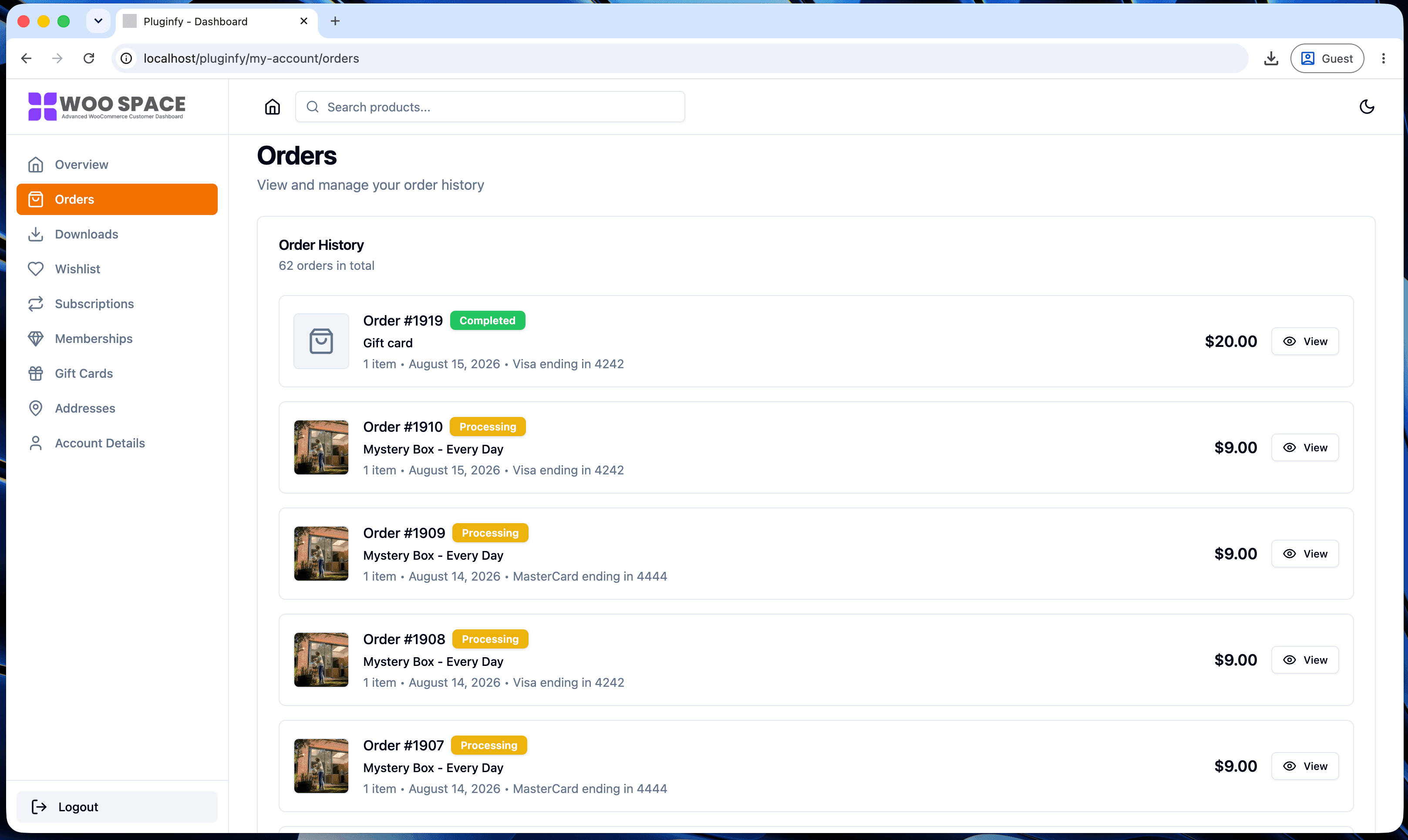
| Order/download UI | Plain tables | Cards, search, filtering |
Navigation and perceived speed
The default My Account page is server-rendered per tab: clicking "Orders" after "Downloads" triggers a full page load, including your theme's header, footer, and every enqueued script and stylesheet. On a typical WooCommerce store that's 1-3 seconds of blank-to-content time per click.
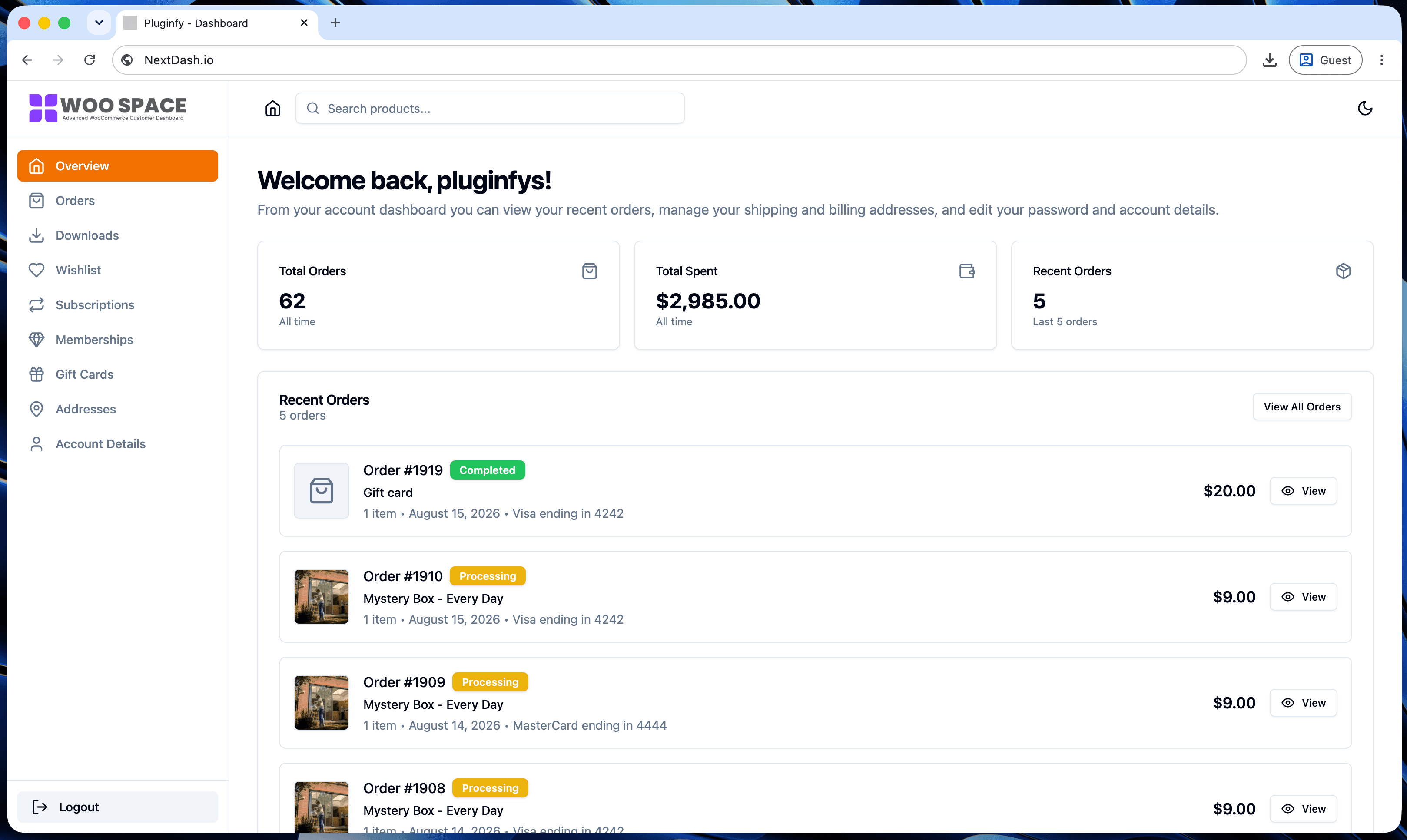
NextDash renders as a self-contained React app inside the account page. Once it loads, switching between orders, downloads, addresses, and settings is instant - no server round trip, no reload.
Design consistency
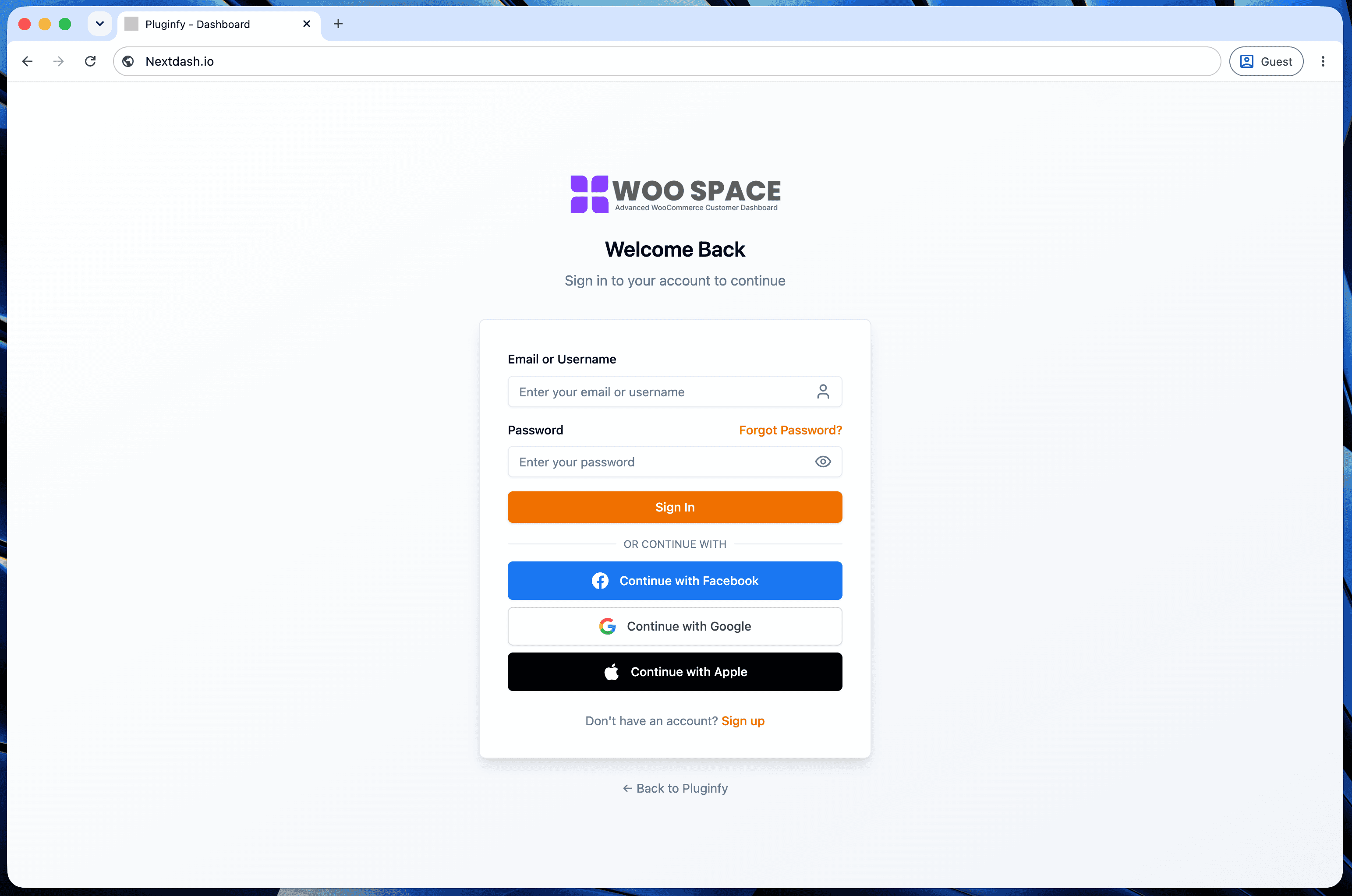
Out of the box, the My Account page inherits whatever your active theme does with WooCommerce's default markup - which varies enormously. Some themes style it well; many leave it looking like unstyled HTML with default browser form controls.
NextDash ships its own design system across every account screen: consistent spacing, typography, and components, plus dark mode that follows the customer's system preference. You're not relying on your theme to style WooCommerce templates correctly.
Setup effort
Customizing the default page the way we covered in our WooCommerce My Account customization guide means writing and maintaining PHP hooks or template overrides yourself - and re-testing them against every WooCommerce update.
NextDash is a plugin install: activate it, drop a shortcode on your My Account page, and the dashboard takes over. Menu items, branding colors, and visible sections are configured from a settings screen instead of code.
When the default page is still fine
If your store has low order volume, a simple theme that already styles WooCommerce cleanly, and no plans for a custom dashboard experience, the default page with a few hook-based tweaks is a reasonable choice - it's free and it works.
The tradeoff shows up as the store grows: more support tickets about "where do I find my invoice," more requests for a nicer download experience, more friction on mobile, where the default page's desktop-first tables are hardest to use.
When to switch
Teams usually replace the My Account page once they notice:
- Customers asking support where to find basic account info
- A mobile bounce rate on
/my-account/higher than the rest of the site - Marketing or design wanting the account area to match a redesigned brand
- Developer time going into My Account patches instead of the storefront
FAQ
Does NextDash replace WooCommerce, or work alongside it? Alongside it. WooCommerce still handles orders, payments, and products; NextDash only replaces the customer-facing My Account page's UI.
Will switching break existing customer bookmarks or links?
No - NextDash renders on the same /my-account/ URL WooCommerce already
uses, so existing links and bookmarks keep working.
What if I've already customized my account page with hooks? Menu-item filters and dashboard hooks stop being needed once NextDash renders the page, since NextDash has its own settings for menu items and branding. Custom endpoints you built (like a loyalty points tab) can still be surfaced through NextDash's developer hooks.
Skip the custom code — install NextDash
NextDash replaces the default WooCommerce My Account page with a modern React dashboard out of the box: order management, downloads, addresses, dark mode, and fast client-side navigation, no template overrides required.