Best Social Login Plugins for WordPress (and WooCommerce)
Compare dedicated WordPress social login plugins against a My Account dashboard with social login already built in.
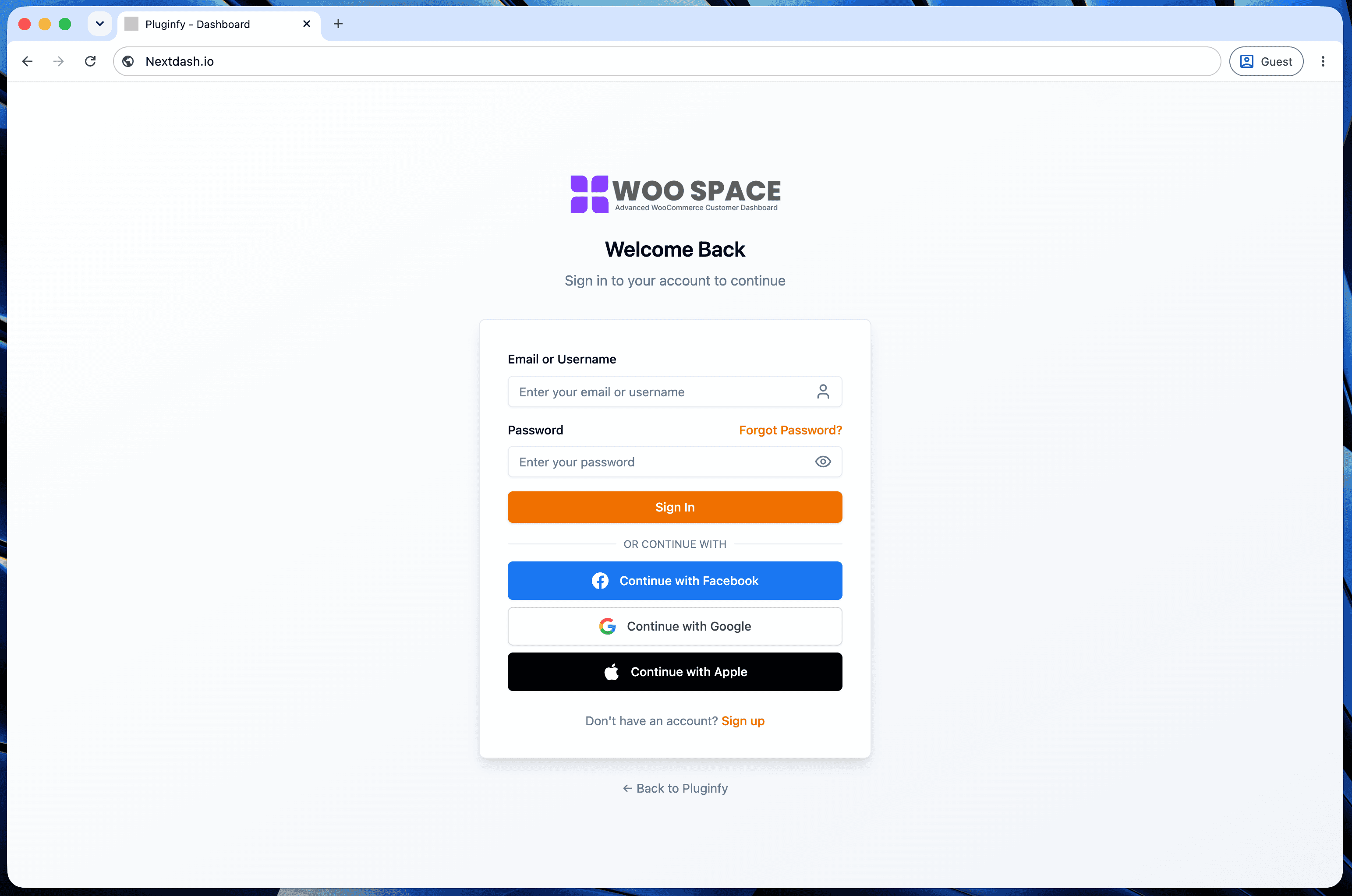
"Best social login plugin" covers two genuinely different answers depending on what you actually need: a dedicated plugin that adds social login to your existing login form, or a My Account replacement that ships social login as one part of a broader dashboard. Worth knowing which one you're evaluating before comparing feature lists.
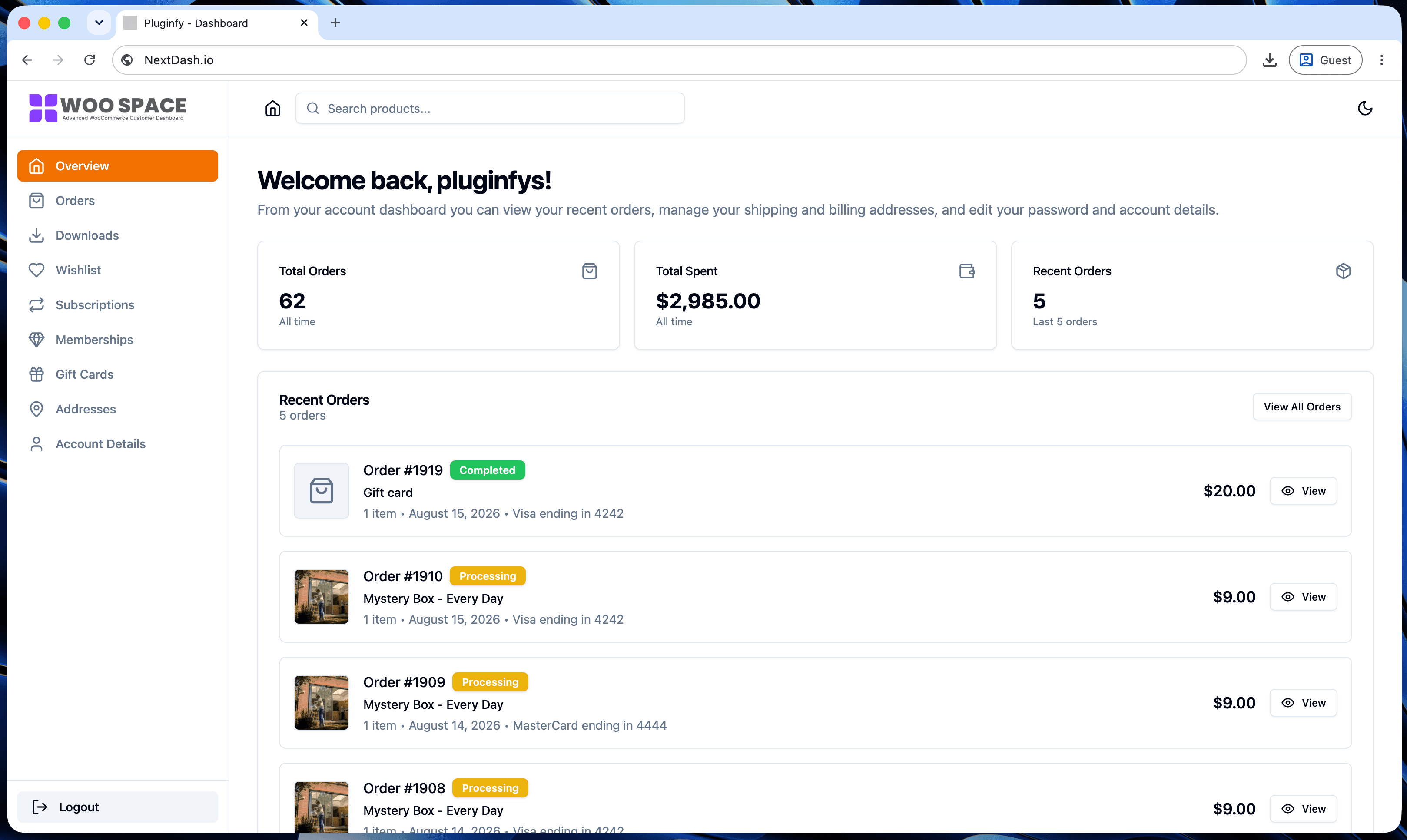
If you're also modernizing My Account: NextDash
If registration friction is one symptom of a broader problem - a My Account page that also needs better order visibility, downloads, or design - NextDash's built-in Google and GitHub login covers social authentication as part of that larger fix, not a separate install. GitHub specifically matters if you sell developer tools or software licenses, where customers already authenticate with GitHub regularly. See our order management dashboard spotlight for what else comes with it.
This isn't the right frame if social login is your only need - a dedicated plugin below is a lighter install for that narrower job.
Dedicated social login plugins
Nextend Social Login and Register
- the most widely installed dedicated option (300,000+ active installs), covering Facebook, Google, and X with strong design customization - login button styling matches your site's branding closely, and users can pull their social profile photo as their site avatar. Pro (from ~$150 for 5 sites, lifetime updates) adds more providers (Amazon, LinkedIn, Yahoo) and WooCommerce-specific integration.
- built for breadth: 40+ supported social networks, with 11 available free (Facebook, Google, Discord, LinkedIn, and others). Strongest option if you need providers beyond the Google/Facebook default, or want more control over user role mapping and profile data.
- a free, multipurpose option that bundles social login with social sharing and comment integration, supporting seven networks for login specifically. A reasonable choice if you also want social sharing buttons and don't need the deeper customization Nextend or miniOrange offer.
How to choose
- Only need login, nothing else changes → Nextend (simpler setup, strong defaults) or miniOrange (more providers, more control)
- Need providers beyond the big few (LinkedIn, Discord, regional networks) → miniOrange's broader free tier
- Also want social sharing/comments bundled in → Super Socializer
- The actual problem is a dated My Account experience, and login friction is one symptom of it → NextDash, since fixing it separately from the rest of the account page just adds a second plugin dependency for one piece of a larger fix
FAQ
Do dedicated social login plugins work alongside a My Account replacement plugin? Usually yes, but it's redundant if the replacement already includes social login - check what's built in before adding a separate plugin for the same function.
Does social login require an SSL certificate? Yes - OAuth providers (Google, Facebook, GitHub, etc.) require HTTPS for the redirect/callback flow, so this needs to be in place regardless of which plugin you choose.
Which provider should I prioritize if I can only add one? Google, for general audiences - broadest account ownership across most customer bases. GitHub specifically outperforms this default for developer-tool and software-focused stores, where the audience already authenticates with GitHub as a matter of course.
Skip the custom code — install NextDash
NextDash replaces the default WooCommerce My Account page with a modern React dashboard out of the box: order management, downloads, addresses, dark mode, and fast client-side navigation, no template overrides required.