Free vs Premium WooCommerce My Account Plugins
When a free WooCommerce My Account plugin (or DIY code) is enough, and when the maintenance cost makes premium the better deal.
Free and DIY approaches to My Account customization genuinely work for a lot of stores - most of the tutorials earlier in this series (menu filters, custom tabs, CSS styling) cost nothing but your own time. The honest question isn't "is free good enough," it's "at what point does your own time cost more than paying for it would have."
What free plugins and DIY code cover well
Menu reordering, small CSS styling changes, adding one or two custom tabs via rewrite endpoints, basic dark mode - see our customization guide and the tutorials that followed it. None of this requires a paid plugin; it requires PHP and CSS knowledge and a willingness to maintain what you write.
Where free/DIY starts costing more than it saves
The cost shows up later, not at build time: every hook-based customization needs re-checking against WooCommerce updates indefinitely, and there's no support channel when something breaks at 2am on a live store. A single custom tab is a few hours once. Five custom tabs, each maintained indefinitely against a moving target, is a standing commitment - developer time that could go toward the storefront instead. See our plugin category comparison for how this compounds specifically once you're past one or two customizations.
What premium tiers typically add
Using this site's own pricing as a concrete reference point rather than vague claims: NextDash's Starter tier ($6/mo or $58/yr) covers a single site with the full dashboard, subscriptions, memberships, bookings, gift cards, and social login built in - no separate maintenance for any of that. Pro ($15/mo or $144/yr) adds multi-site activation management (3 sites) for agencies, and Business ($39/mo or $374/yr) scales to 10 sites with bulk management and priority support. The pattern across premium tiers generally, not just this one: activation limits by plan, support included rather than DIY-only, and features that would otherwise be separate maintained integrations bundled as one paid product.
A simple decision framework
Weigh three factors: store size (a five-order-a-month store has less at stake than a high-volume one), available dev resources (in-house developer time to spare, or would paying reclaim hours better spent elsewhere), and how much the account page affects revenue or support load - see our guide to reducing My Account support tickets for how to actually measure that rather than guess at it.
When free is genuinely the right call
Being honest rather than dismissive: very small stores with low order volume, and agencies with real in-house dev time that's genuinely idle rather than better spent elsewhere, can reasonably stick with free/DIY indefinitely. The tutorials in this series exist because that path is legitimate - premium isn't automatically the better choice, it's the better choice once the maintenance math stops favoring free.
FAQ
Is there a point where mixing free and premium makes sense? Yes - some stores keep basic CSS/menu customizations (zero ongoing cost) while paying for a premium plugin specifically for the higher-maintenance pieces (custom dashboards, subscription/membership display), rather than treating it as all-or-nothing.
Does premium pricing usually scale with store size, or is it flat? Commonly scales with site/activation count rather than order volume or revenue - check the specific plugin's pricing model, since this varies and matters if you're managing multiple stores (an agency) versus one larger single store.
What's the actual break-even point between DIY and paying for premium? There's no universal number - it's whenever your own maintenance time (valued at what that time is actually worth to your business) exceeds what a premium plan costs. For a developer's own time on a single customization, this is often sooner than expected once update-maintenance is counted honestly rather than assumed to be zero.
Skip the custom code — install NextDash
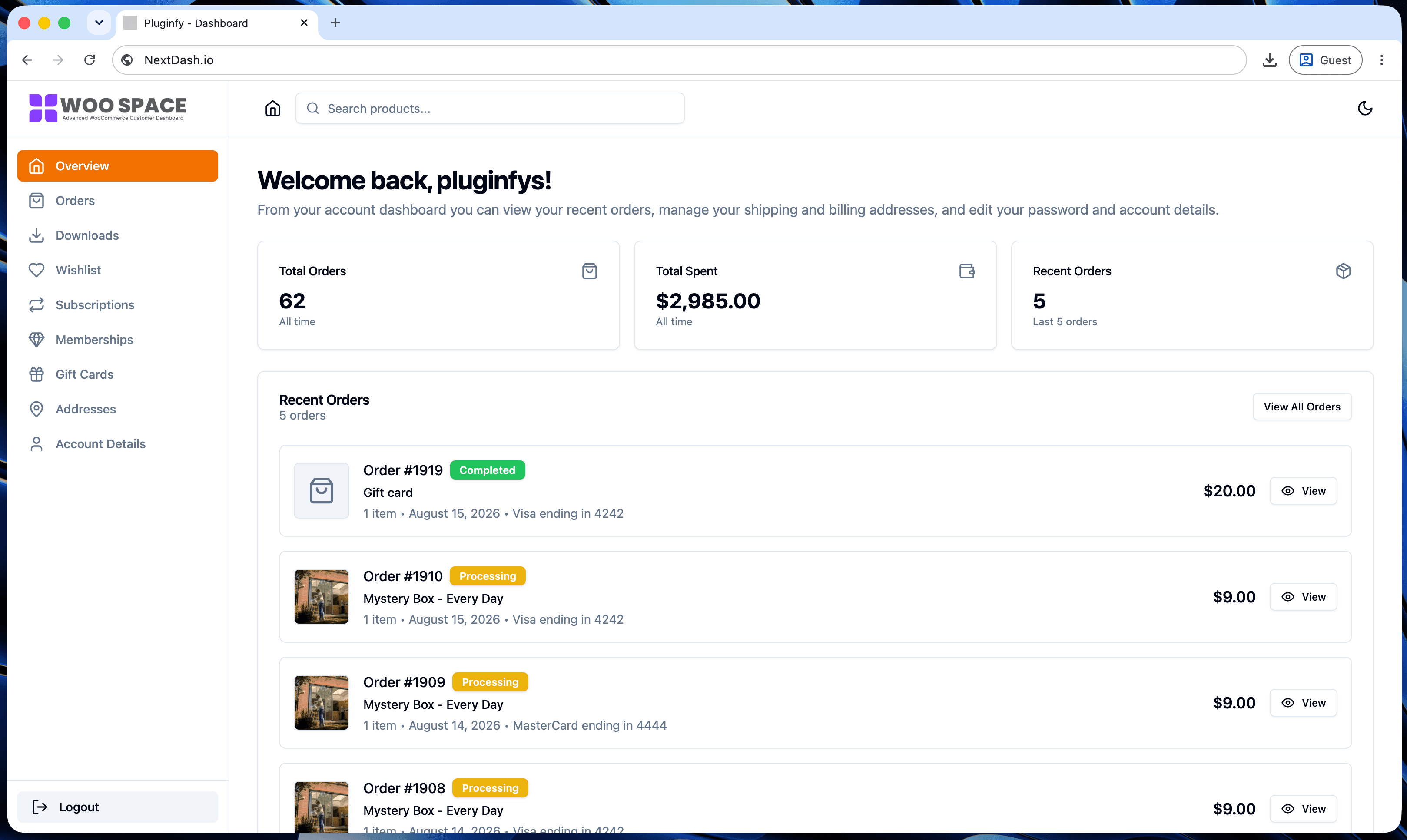
NextDash replaces the default WooCommerce My Account page with a modern React dashboard out of the box: order management, downloads, addresses, dark mode, and fast client-side navigation, no template overrides required.