10 Best WooCommerce Shipping Plugins Compared
Table rate, real-time carrier rates, label printing, and tracking - the WooCommerce shipping plugins actually worth evaluating, by use case.
Shipping is one of the few places where the default WooCommerce setup genuinely isn't enough for most stores past a certain size - flat rates stop reflecting real costs once weight, dimensions, or zones get involved. Here's what's actually worth evaluating, grouped by the problem each one solves.
Evaluation criteria
- Rate accuracy - flat/free shipping vs table rate (rules-based) vs real-time carrier API rates
- Carrier coverage - which shipping carriers it actually integrates with
- Setup complexity - configuration-only vs requiring ongoing rule maintenance
- Cost model - free, one-time, or subscription
For table rate / rules-based shipping
Table Rate Shipping (official WooCommerce.com extension) - the first-party option for rule-based shipping logic: costs based on weight, price, or item count, with per-item, per-order, or per-class calculation and multiple rate tables per shipping zone.
Flexible Shipping (by Octolize) - the most widely installed table rate plugin in this category (100,000+ active installs), with a capable free tier covering weight-based and cart-total-based rules. The PRO version adds an AI assistant that generates rule configurations from a plain-text description of your shipping scenario, plus CSV import/export for managing rules in bulk.
PH Table Rate Shipping (by PluginHive) - built-in CSV bulk rule management without needing separate add-ons, positioned as the more cost-effective option for stores managing large rule sets.
For real-time carrier rates
Shippo - integrates with 40+ carriers (USPS, UPS, FedEx, DHL, and regional options) without requiring a monthly subscription to get started, a real differentiator versus subscription-gated competitors in this category.
ShipEngine - an API-powered platform for real-time rates, label creation, and tracking across multiple carriers, aimed at stores that want programmatic control over shipping logic. Note it's in the process of rebranding to "ShipStation API" - existing integrations aren't affected, but expect the name to shift in documentation you find going forward.
ShipStation (WooCommerce integration) - shipping label printing and order fulfillment workflow alongside rate calculation, popular with stores that ship a high volume of orders and want the fulfillment side handled in the same tool. Requires a separate ShipStation subscription beyond the free WooCommerce-side plugin.
For a specific carrier
ELEX's carrier-specific plugins (FedEx, UPS, USPS, Canada Post via EasyPost) - certified integrations for live rates, label printing, and delivery date estimates, worth considering if your store standardizes on a single carrier rather than needing multi-carrier comparison.
WooCommerce's own carrier extensions (UPS, USPS) - first-party live-rate plugins for stores that want official Woo.com support rather than a third-party integration. Separately, the free WooCommerce Shipping extension covers discounted label printing (USPS, UPS, DHL Express, FedEx) without live rate display at checkout - a fulfillment tool, not a rate-calculation one.
For post-purchase tracking
- adds tracking number entry and customer-facing tracking status display (1,010+ supported carriers, free and open source, 80,000+ active installs), independent of which rate-calculation plugin you use. This solves a different problem than the plugins above - it's about visibility after a label is created, not rate calculation itself.
How to choose
Start with your actual shipping model: flat/free rates need nothing extra, weight/zone-based rules point to a table rate plugin, and comparing live rates across multiple carriers points to Shippo or ShipEngine. Fulfillment volume matters too - a store printing dozens of labels daily benefits more from ShipStation's workflow than a low-volume store would.
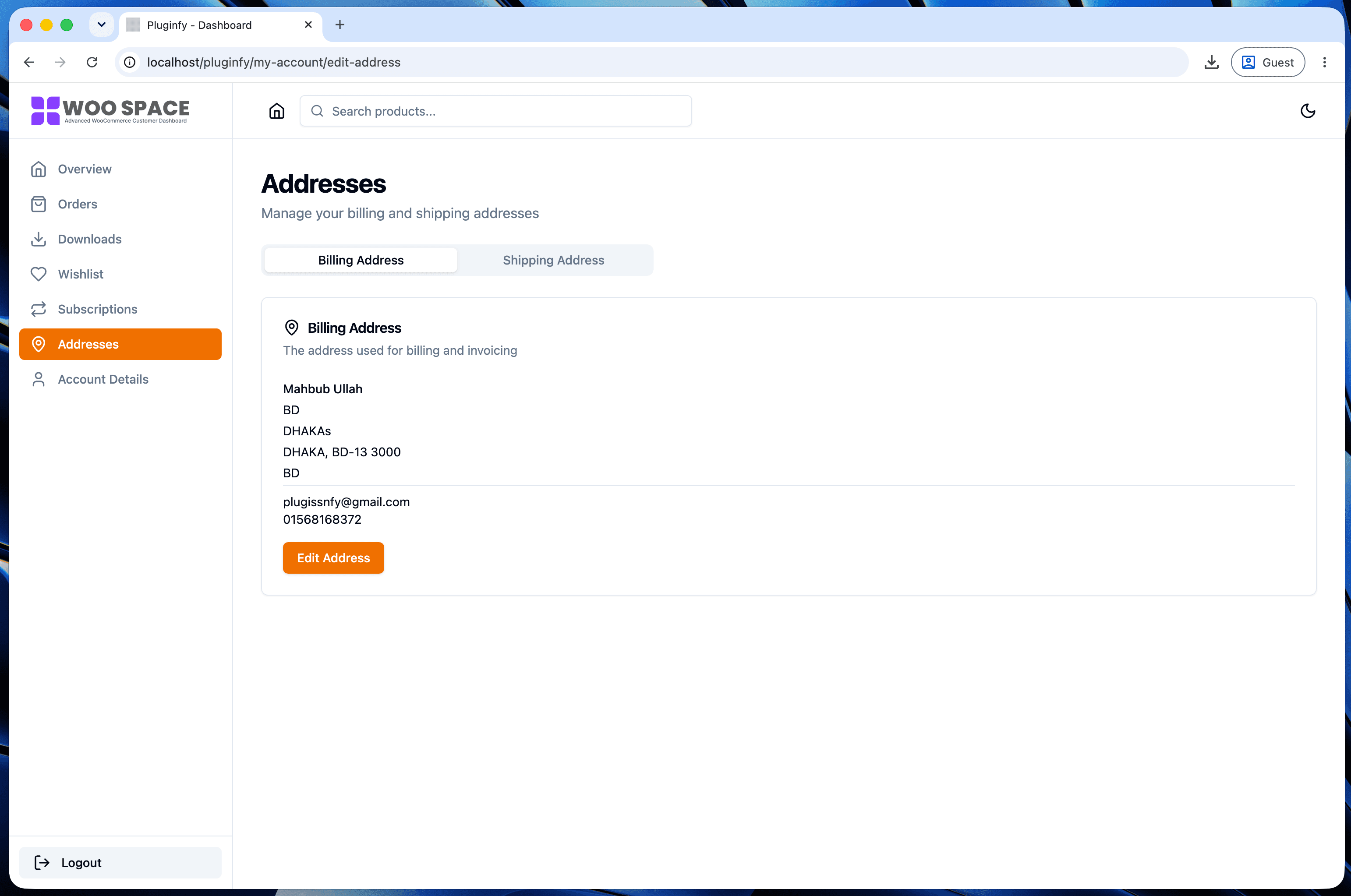
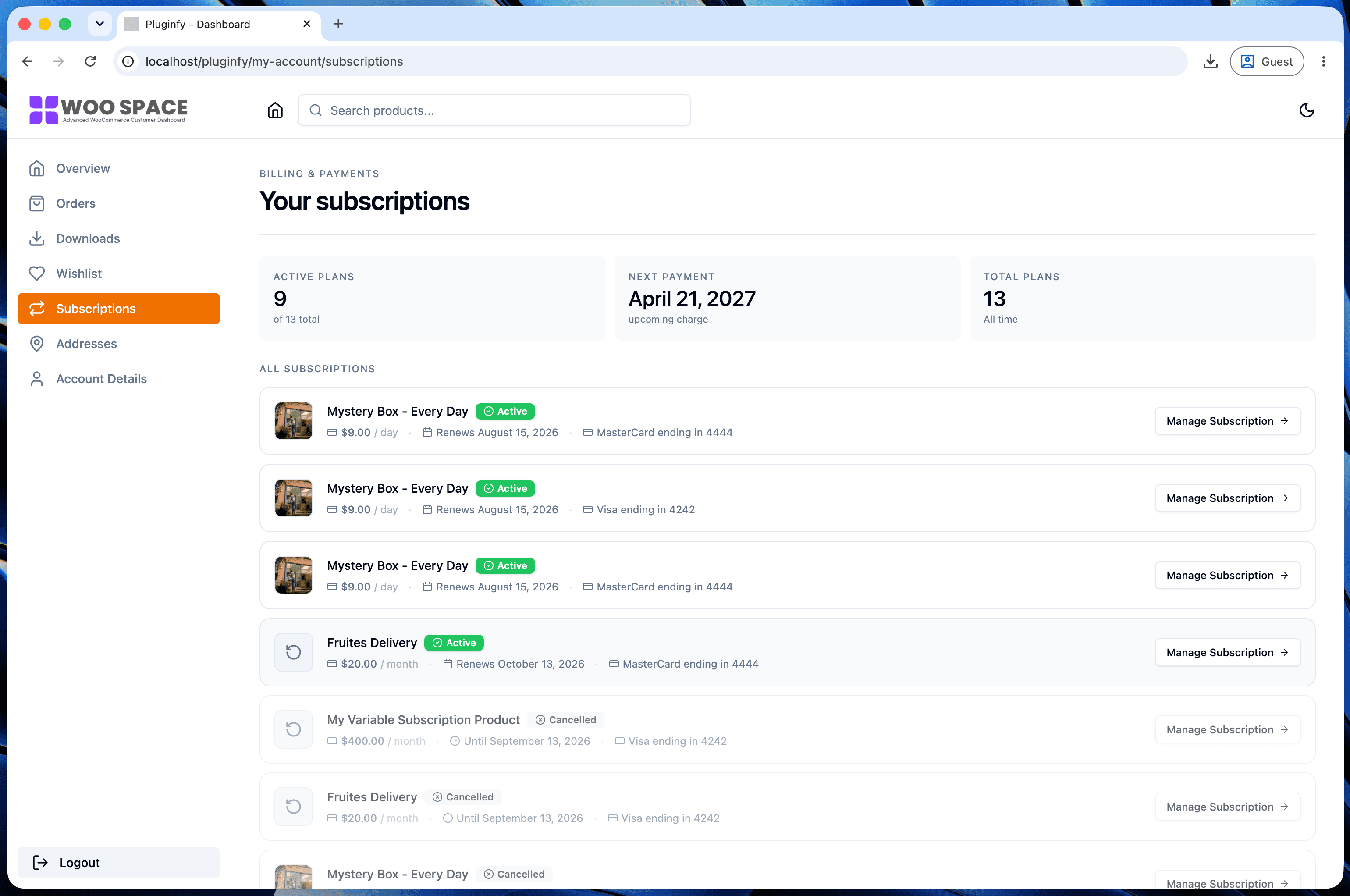
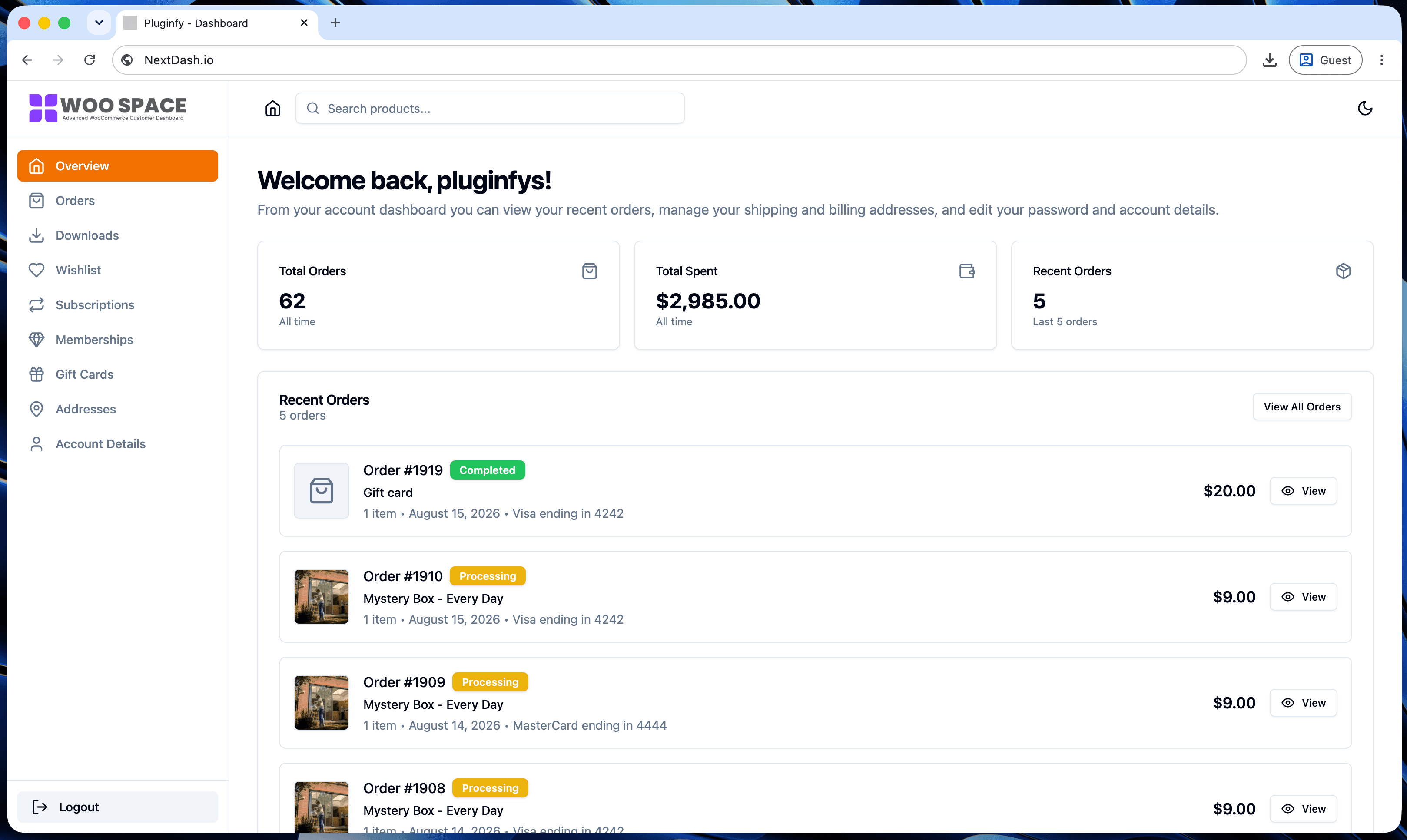
If tracking visibility on the customer side is the actual gap - not rate calculation - that's a My Account page problem as much as a shipping plugin one. Our guide to reducing My Account support tickets covers surfacing order and tracking status without a separate lookup, which pairs with whichever shipping plugin above you choose rather than replacing it.
FAQ
Can I use a table rate plugin and a real-time carrier rate plugin together? Generally not for the same shipping zone - they're two different approaches to calculating the same rate, and running both typically means choosing which one WooCommerce actually uses per zone rather than combining their logic.
Do I need a paid plugin, or does WooCommerce's free shipping cover most stores? Flat rate and free shipping (built into WooCommerce core) cover simple cases fine. Once shipping cost genuinely varies by weight, destination, or needs to match live carrier rates, a dedicated plugin from this list becomes worth it.
Does a shipping plugin affect checkout page load speed? Real-time carrier rate plugins add an API call at checkout to fetch live rates, which can add latency compared to flat or table rate calculation (computed locally, no external request). This is usually a small, acceptable tradeoff for rate accuracy, but worth testing on your own checkout if speed is a concern.
Skip the custom code — install NextDash
NextDash replaces the default WooCommerce My Account page with a modern React dashboard out of the box: order management, downloads, addresses, dark mode, and fast client-side navigation, no template overrides required.