How to Override WooCommerce My Account Templates Safely
Learn the correct way to override WooCommerce My Account templates, avoid update drift, and know when hooks are the better choice.
Menu filters and endpoint hooks (covered in our customization guide and custom tab tutorial) get you a long way, but they can't restructure a screen - reorder the fields on an existing tab, change what a table's columns show, redesign the dashboard layout. For that, WooCommerce gives you template overrides. They work well. They also come with a maintenance cost most tutorials skip over.
What a template override actually does
WooCommerce loads its templates through wc_get_template(), which checks
your active theme first before falling back to the plugin's own copy. If
your theme has a matching file at the right path, WooCommerce uses yours
instead of its own - no filter, no registration step, just a file in the
right place. WooCommerce's own extension development
docs
cover the broader template hierarchy if you're overriding templates
outside the My Account area too.
The correct folder structure
Copy the file from WooCommerce's plugin directory into your theme, keeping the exact same relative path:
wp-content/plugins/woocommerce/templates/myaccount/dashboard.php
                        ↓ copy to ↓
wp-content/themes/your-theme/woocommerce/myaccount/dashboard.php
Get the path wrong - even a mismatched subfolder - and WooCommerce silently ignores your copy and keeps using its own, with no error to tell you why your changes aren't showing up.
Finding the WooCommerce version number
Every WooCommerce template file starts with a comment block like this:
/**
 * My Account dashboard
 *
 * @package WooCommerce\Templates
 * @version 8.6.0
 */
That @version is the WooCommerce release this template shipped with -
not your theme's version, not a suggestion. Write it down somewhere (a
comment at the top of your copy, a note in your theme's changelog)
because it's the only reliable way to know later whether your override has
drifted from what WooCommerce currently ships.
Checking for drift after updates
Before updating WooCommerce, or periodically if auto-updates are on, diff your copy against the current plugin version:
diff wp-content/themes/your-theme/woocommerce/myaccount/dashboard.php \
     wp-content/plugins/woocommerce/templates/myaccount/dashboard.php
A clean diff (aside from your intentional changes) means you're fine. A diff full of unfamiliar lines means WooCommerce changed the template structure since you copied it, and your override may now be missing markup, hooks, or accessibility attributes that shipped after your version.
When to use wc_get_template hooks instead
A full override replaces the entire file. If you only need to change one
piece of it, WooCommerce's action hooks inside these templates
(woocommerce_before_account_navigation,
woocommerce_account_dashboard, and similar) let you inject content
without taking over the whole file - meaning you inherit every future
WooCommerce update to everything except the one section you're touching.
Reach for a hook first; reach for a full override only when the hooks
genuinely don't cover what you need to change.
Example: adding an order summary card to the dashboard
Here's the hook-based version - no override needed - for a common request (a stats card above the default dashboard greeting):
add_action( 'woocommerce_before_account_navigation', function () {
    if ( ! is_account_page() ) {
        return;
    }

    $order_count = wc_get_customer_order_count( get_current_user_id() );
    printf(
        '<div class="account-summary-card"><strong>%d</strong> orders placed</div>',
        esc_html( $order_count )
    );
} );
This is the same pattern from our customization guide
- worth trying before reaching for a full
dashboard.phpoverride, since it needs zero maintenance against future WooCommerce releases.
The maintenance cost nobody mentions
Every override is a fork. Not a metaphorical one - an actual copy of WooCommerce's code that your site now maintains independently, that stops receiving fixes, accessibility improvements, and structural changes the moment you copy it. Multiply that across every template you've overridden (dashboard, orders, downloads, addresses...) and "customizing the account page" quietly becomes "maintaining a fork of WooCommerce's account templates," checked by hand before every update.
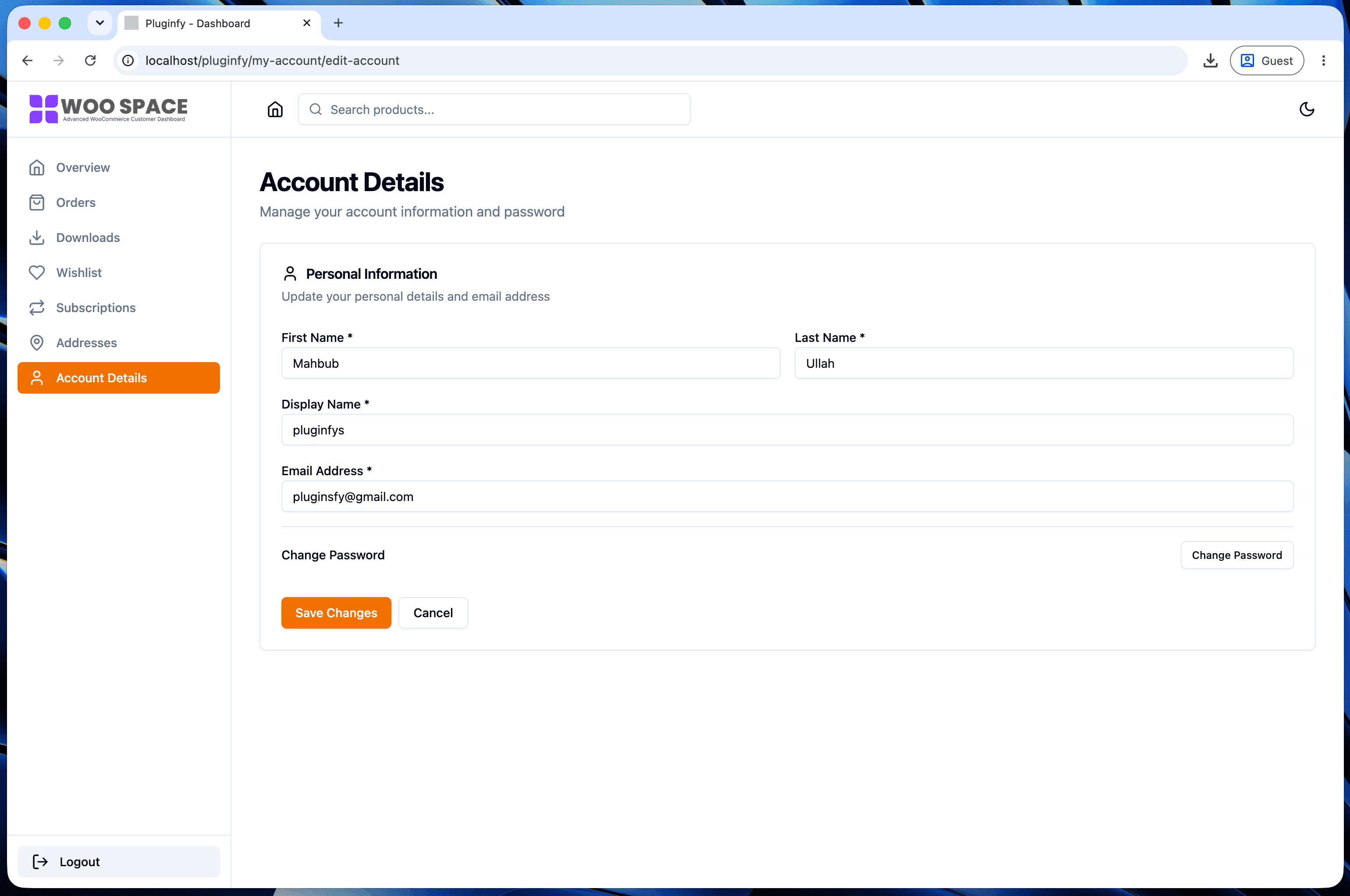
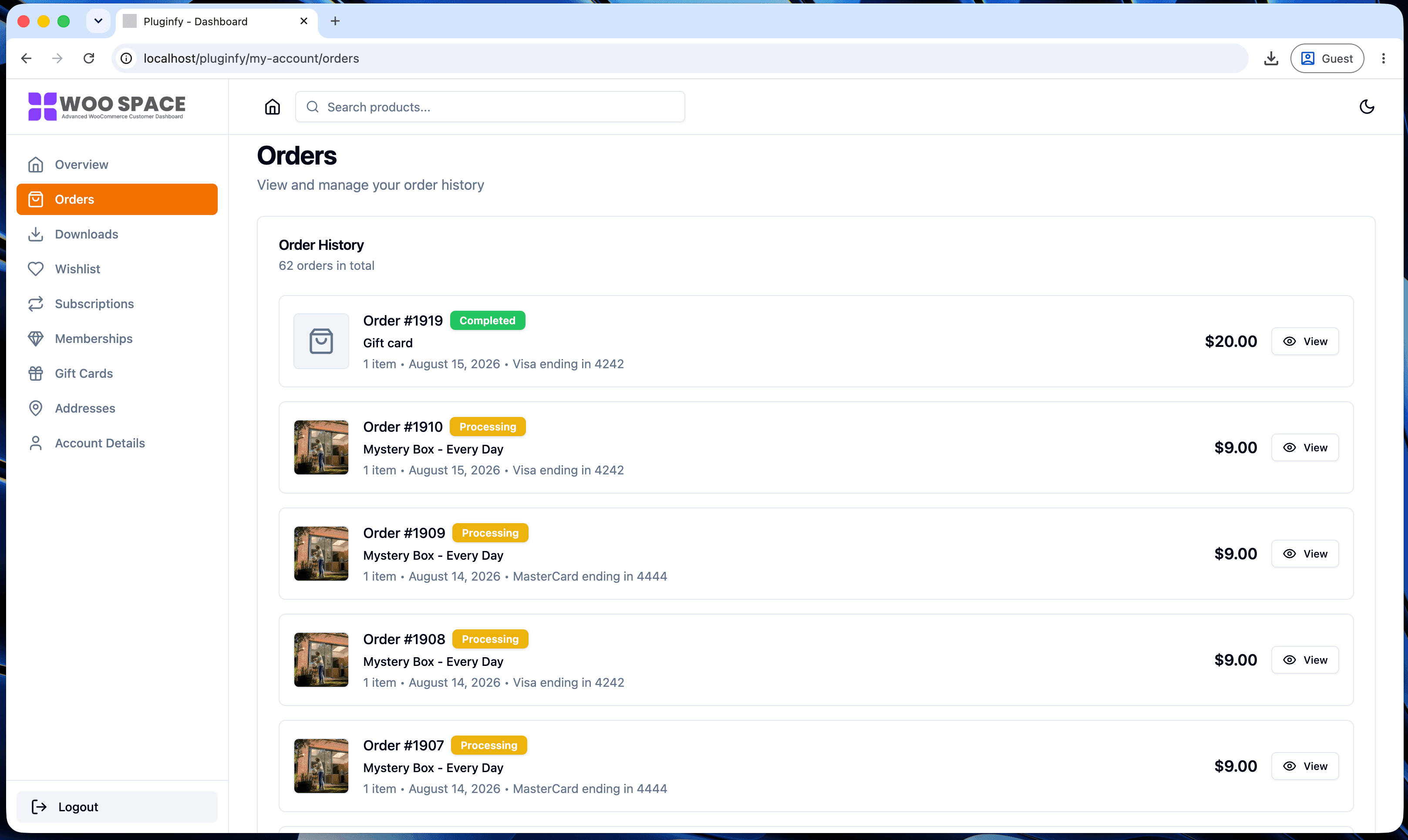
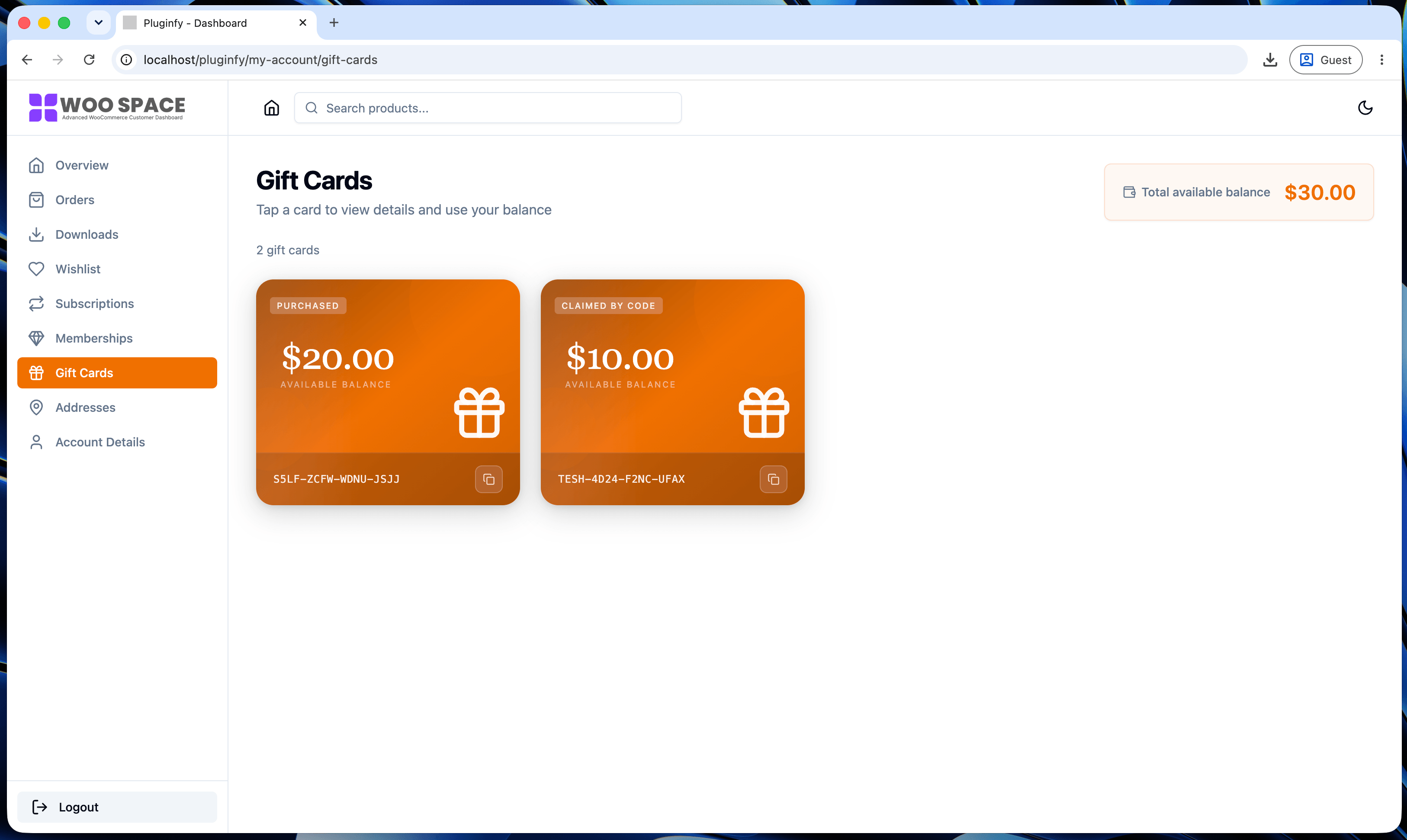
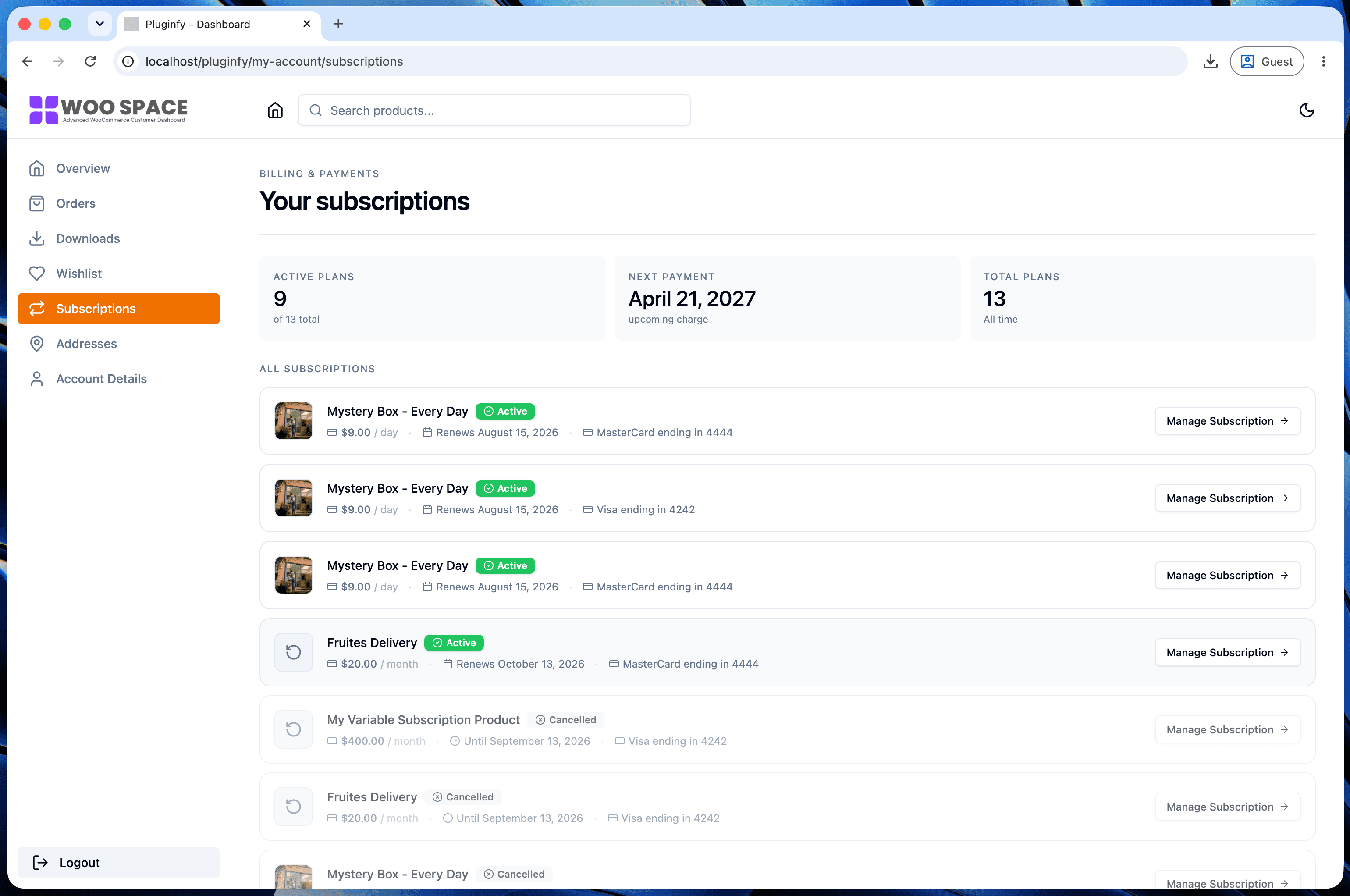
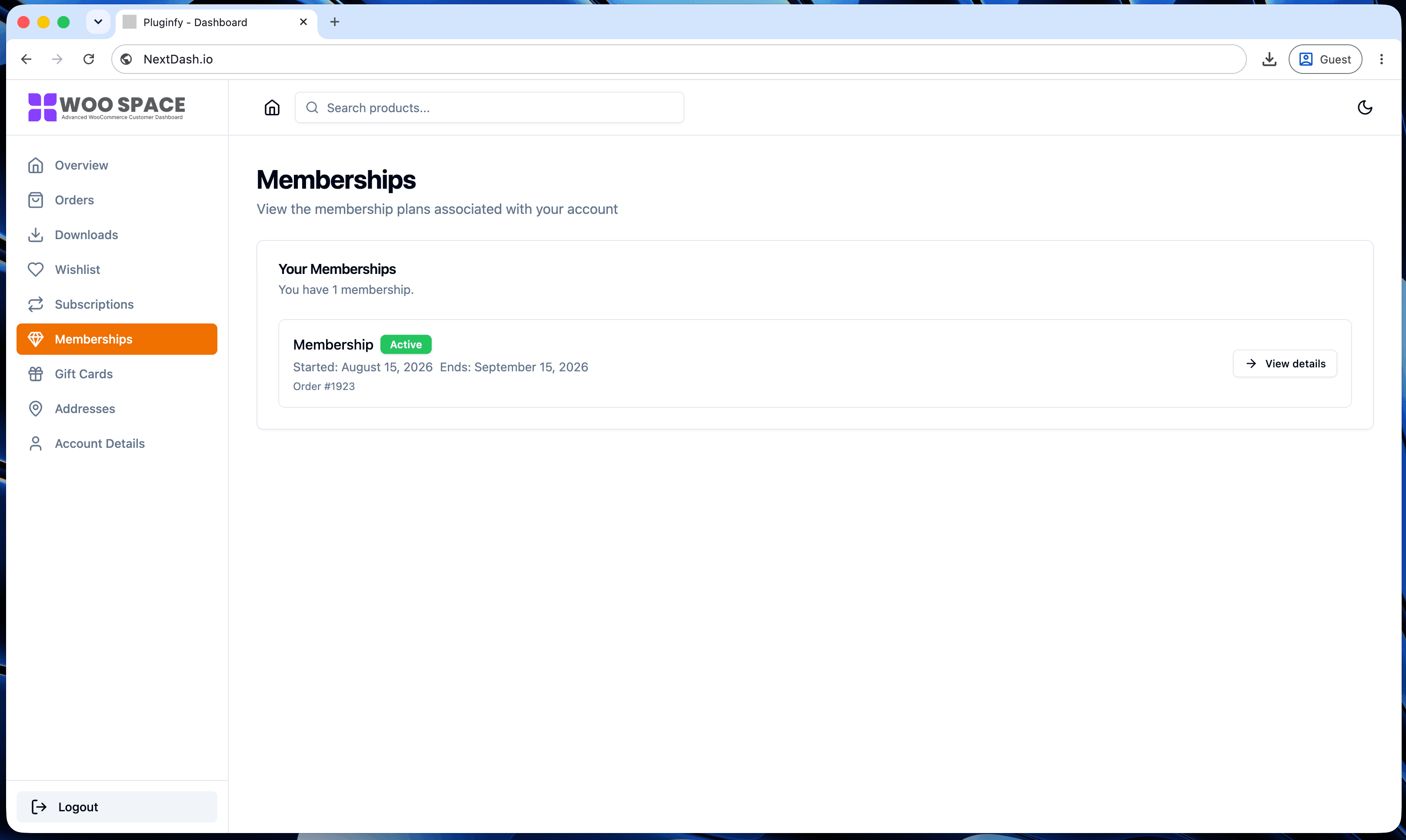
This is the actual reason tools like NextDash render their own dashboard instead of modifying WooCommerce's templates: there's no fork to keep in sync, because there's no copied file in the first place. See our default vs NextDash comparison if you're weighing that tradeoff against continuing to override templates yourself.
FAQ
Do template overrides survive WooCommerce updates? The file itself does - WordPress won't touch files in your theme. What doesn't survive automatically is correctness: if WooCommerce changes the template's structure, your unchanged copy is now out of date even though nothing deleted it.
Can I override just one section of a template instead of the whole file?
Not with the override mechanism itself - it's all-or-nothing per file.
Use the action hooks inside the template (see "When to use wc_get_template
hooks instead" above) to change one section without overriding the rest.
How do I know which file to copy for a specific tab?
Match the tab to its template: dashboard.php for the overview,
orders.php for the order list, view-order.php for a single order,
downloads.php, edit-address.php, form-edit-account.php for account
settings. All of them live under
wp-content/plugins/woocommerce/templates/myaccount/.
Skip the custom code — install NextDash
NextDash replaces the default WooCommerce My Account page with a modern React dashboard out of the box: order management, downloads, addresses, dark mode, and fast client-side navigation, no template overrides required.