WooCommerce My Account Endpoints Explained
What WooCommerce My Account endpoints are, the full default list, and how to customize their URL slugs.
If you've read our custom tab tutorial and found yourself wondering what an "endpoint" actually is before writing any code, this is the explainer. Understanding the concept makes every WooCommerce My Account customization easier to reason about, whether you're following a tutorial or debugging why something 404s.
What a rewrite endpoint actually is
A WordPress rewrite endpoint is a URL segment that maps to handler code,
not a real subpage. /my-account/orders/ isn't a WordPress page named
"orders" sitting somewhere in your page list - it's the single My Account
page, with orders recognized as a query variable that tells WooCommerce
which content to render inside it.
This is why My Account "tabs" all share one parent page instead of being separate pages: WordPress's rewrite system intercepts the URL, extracts the endpoint name, and WooCommerce decides what to output based on that name - all without a database lookup for a page that doesn't exist.
The full list of WooCommerce's default endpoints
| Endpoint | URL | Slug (query var) |
|---|---|---|
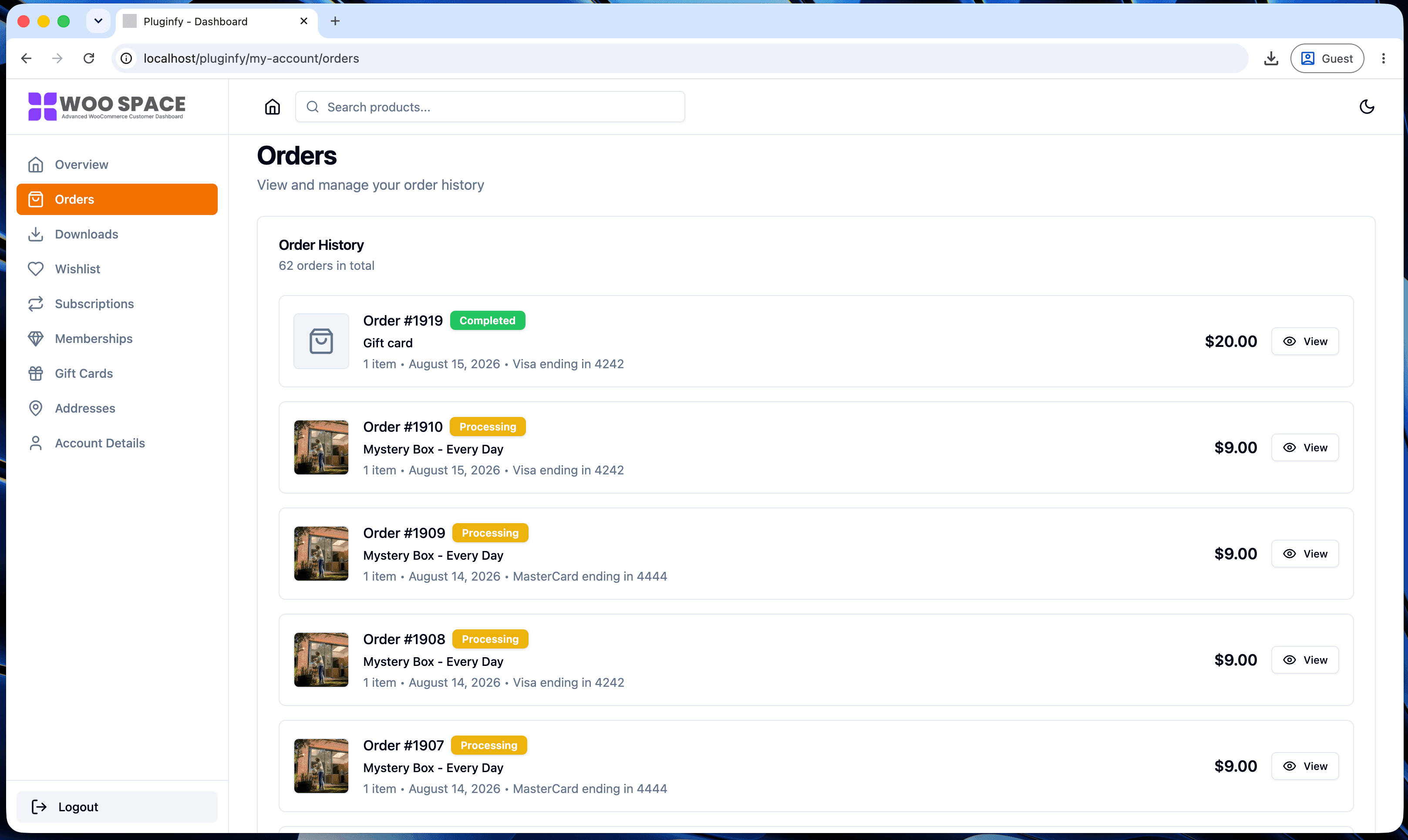
| Orders | /my-account/orders/ | orders |
| View a single order | /my-account/view-order/{id}/ | view-order |
| Downloads | /my-account/downloads/ | downloads |
| Edit address | /my-account/edit-address/ | edit-address |
| Payment methods | /my-account/payment-methods/ | payment-methods |
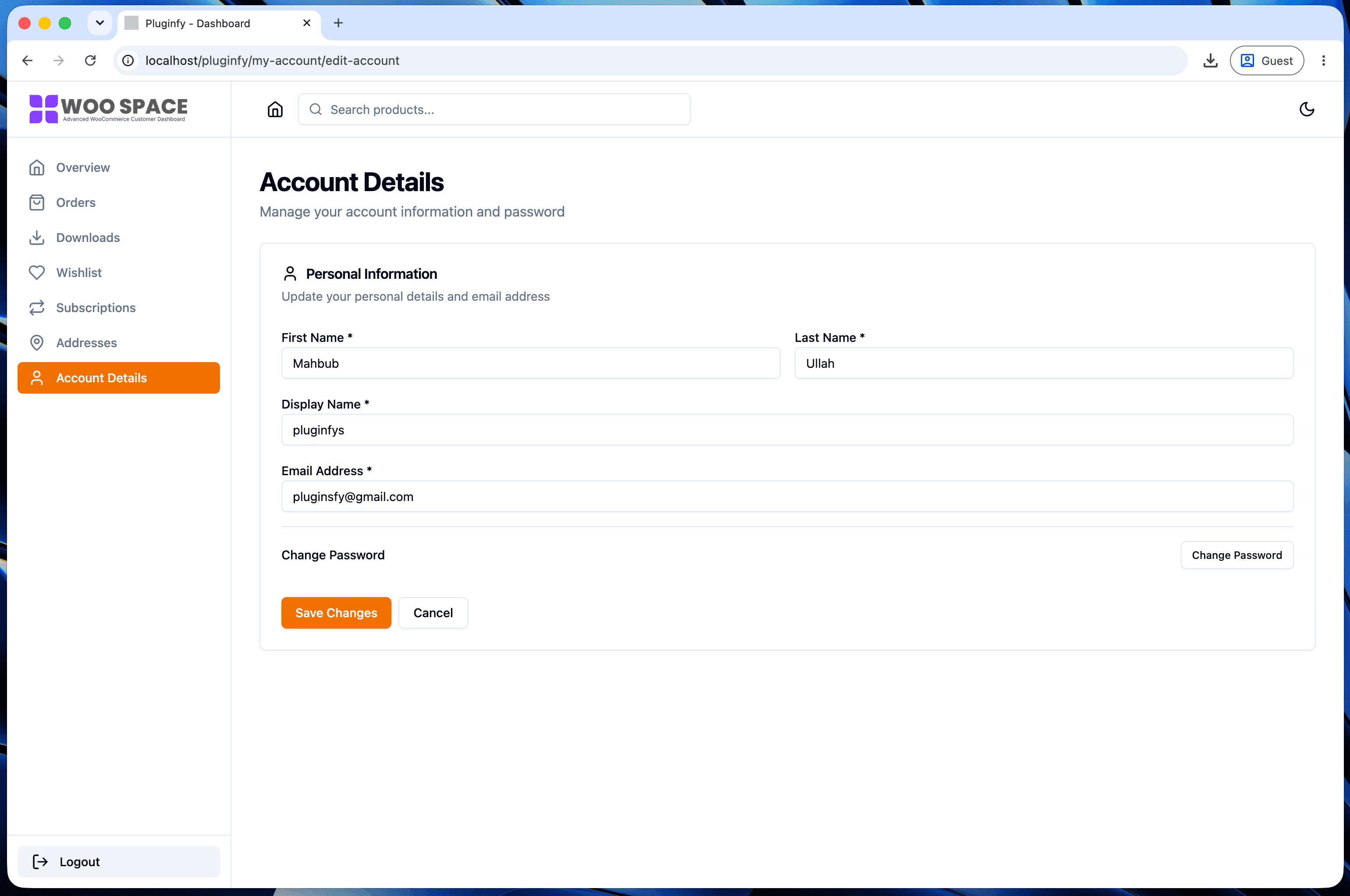
| Edit account | /my-account/edit-account/ | edit-account |
| Customer logout | /my-account/customer-logout/ | customer-logout |
Each of these is registered the same way our custom tab
tutorial registers a new
one - add_rewrite_endpoint() plus a matching render callback - just
already done for you inside WooCommerce core.
How to change an endpoint's URL slug
The slug (the word that shows up in the URL) is filterable independently
of the endpoint's internal name, via woocommerce_get_query_vars:
add_filter( 'woocommerce_get_query_vars', function ( $vars ) {
    $vars['downloads'] = 'my-files'; // /my-account/my-files/ instead of /my-account/downloads/
    return $vars;
} );
This changes only what appears in the URL - the internal query var name
(downloads) and every hook tied to it (like
woocommerce_account_downloads_endpoint) stay the same, so existing
customizations keep working.
Why endpoints exist instead of separate pages
Three practical reasons:
- One page to manage - WooCommerce (and any plugin extending it) adds new sections without you creating and configuring a new WordPress page each time.
- Consistent permalink structure - endpoints inherit whatever permalink settings your site already uses, rather than needing their own page-creation and slug logic.
- Centralized access control - since every endpoint lives under one page, login/logout redirects and account-page-wide logic only need to be handled once, not duplicated per page.
How this connects to custom tabs
Adding your own My Account section - covered step by step in our custom tab tutorial - is exactly this same mechanism: register an endpoint, add it to the menu, render its content. Understanding endpoints as "a URL segment mapped to a render callback" rather than "a special kind of page" is what makes that tutorial click.
If you'd rather not manage endpoints directly at all, NextDash's dashboard handles new sections through its own settings and developer hooks instead - useful if you want the result without the WordPress rewrite-API plumbing.
FAQ
Do I need to flush permalinks after changing an endpoint's slug? Yes - any time a rewrite rule changes (a new endpoint, or a filtered slug), visit Settings → Permalinks and save to rebuild WordPress's rewrite cache, or the new URL will 404.
Can two plugins use the same endpoint name? They can register the same name, but only one render callback will actually produce output predictably - whichever hook fires last, or both if they're both hooked to output content, likely producing duplicated or conflicting markup. Prefix custom endpoint names to avoid collisions if you're building something for distribution.
Are endpoints WooCommerce-specific or a WordPress feature?
Rewrite endpoints (add_rewrite_endpoint()) are core WordPress
functionality - WooCommerce just uses them extensively for My Account.
Any WordPress plugin can register its own endpoints the same way.
Skip the custom code — install NextDash
NextDash replaces the default WooCommerce My Account page with a modern React dashboard out of the box: order management, downloads, addresses, dark mode, and fast client-side navigation, no template overrides required.