NextDash Address Book for WooCommerce My Account
Why a single billing/shipping address pair isn't enough for repeat buyers, and how a real address book fixes it.
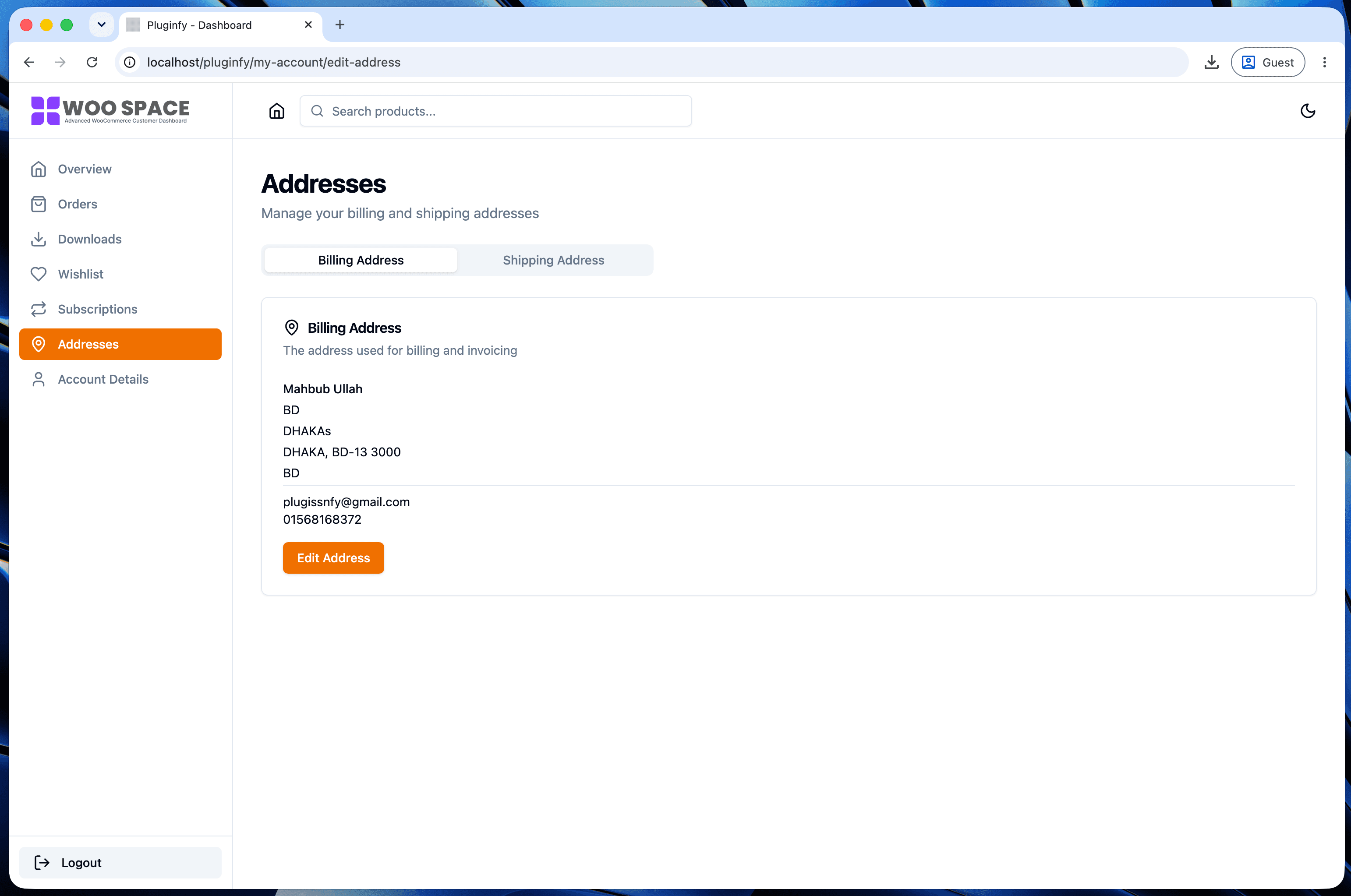
WooCommerce ships with exactly one billing address and one shipping address per customer. For a lot of stores that's genuinely enough. For repeat buyers who ship gifts, order to more than one location, or manage a business with multiple sites, it's a real limitation that shows up every single checkout.
WooCommerce's default: one billing, one shipping
The stock My Account addresses tab has two slots, full stop. Editing either opens a separate form page. If a customer wants to ship to a different address than usual - a gift to a family member, an order to a second office - they either overwrite their saved shipping address (and have to remember to change it back) or re-enter the address manually at checkout every time.
What a real address book adds
- Multiple saved addresses - not capped at one shipping address, each saved and reusable
- Labels - Home, Office, Gift, or custom names, so choosing the right one at checkout is a glance, not a guess
- Quick-select at checkout - pick from saved addresses instead of re-entering or editing the single default each time
How this reduces checkout friction for repeat buyers
The value here compounds with order frequency. A one-time customer never notices the single-address limitation. A repeat customer who orders monthly and occasionally ships to a second location hits it every time that need comes up - and either accepts the friction of re-entering an address, or abandons the order-as-gift idea entirely because it's more hassle than it's worth. Removing that friction is a small UX fix with an outsized effect specifically on your best customers, the ones who buy most often. See our design examples roundup for how this fits alongside the other patterns that separate a modern account page from a default one.
Implementation note
There's no rewrite-endpoint trick that adds this the way a custom tab does - WooCommerce's address storage itself is built around exactly one billing and one shipping slot. Adding real multi-address support means either a dedicated multi-address plugin that extends that storage model, or a dashboard designed around multiple addresses from the start rather than retrofitted onto WooCommerce's existing two-slot structure. This is the same category-3-vs-patching distinction covered in our order management dashboard spotlight.
FAQ
Does this replace WooCommerce's billing/shipping address fields entirely? No - checkout still uses WooCommerce's billing/shipping structure. The address book manages a broader set of saved addresses that feed into that same checkout flow, rather than replacing how WooCommerce stores an order's actual billing/shipping data.
Can I set a default address among several saved ones? Yes - one saved address acts as the default that pre-fills at checkout, with the others available to quick-select when needed.
Does this help stores that only ship to one location per customer anyway? Less so - if your customers genuinely never need more than one address, the default WooCommerce behavior is already sufficient. This feature matters specifically for stores where repeat buyers regularly need more than one.
Skip the custom code — install NextDash
NextDash replaces the default WooCommerce My Account page with a modern React dashboard out of the box: order management, downloads, addresses, dark mode, and fast client-side navigation, no template overrides required.