NextDash Social Login for WooCommerce My Account
Reduce registration friction with Google and GitHub social login for WooCommerce, safely linked to existing customer accounts.
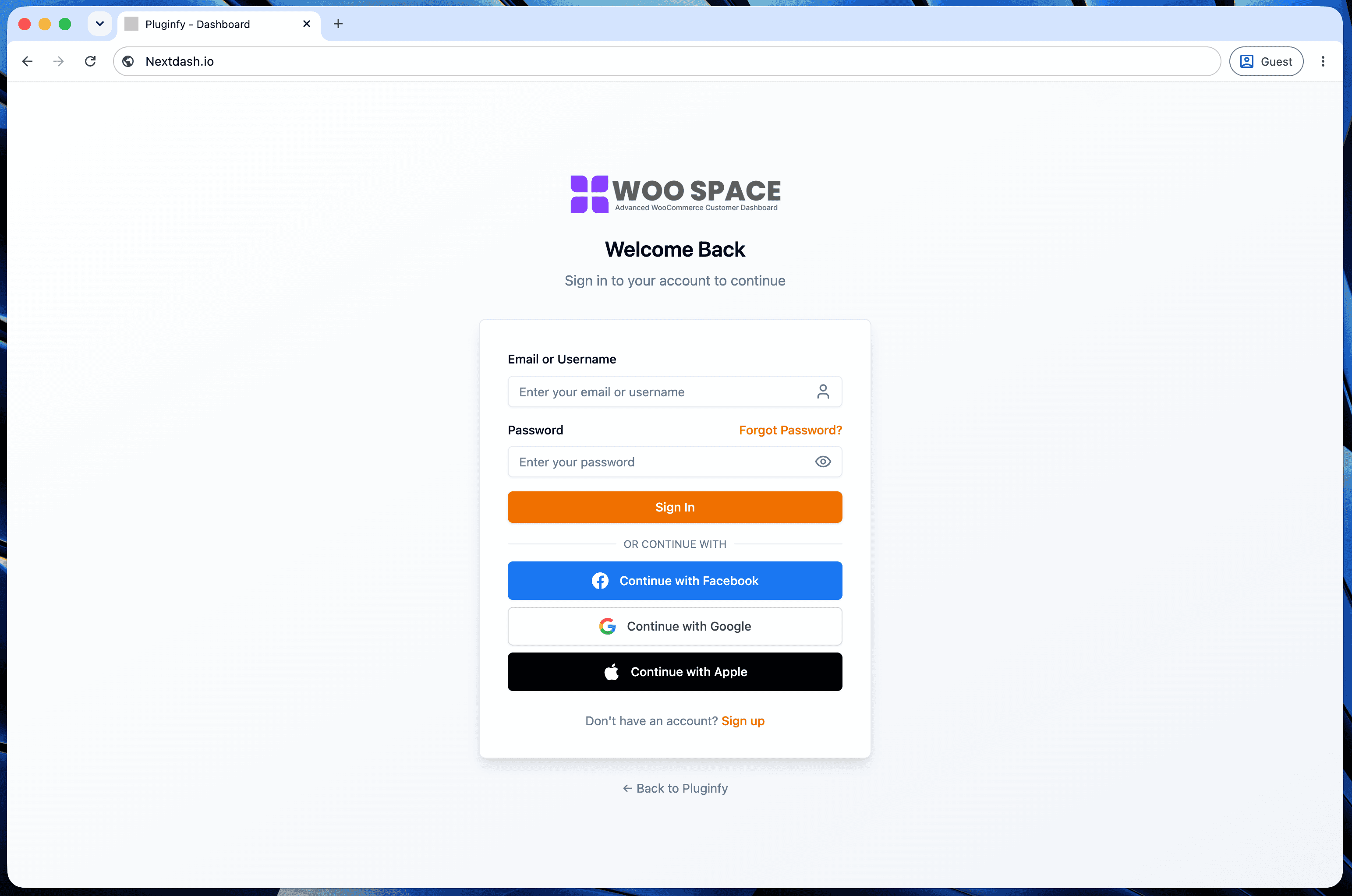
Requiring an email and password before checkout is a small but real source of abandoned carts - one more form to fill out, one more password to remember. Social login removes that step for customers who already have a Google or GitHub account, without giving up the account structure WooCommerce is built around.
Why registration friction matters at checkout
For stores that require an account before purchase, account creation happens at the worst possible moment - right when a customer is trying to complete a purchase, not browse. Every additional field is a chance to abandon. Social login collapses "create an account" into a single click for anyone already signed into Google or GitHub in their browser, which is most returning shoppers most of the time.
What social login actually needs technically
Three pieces, in order: an OAuth flow with the provider (Google or GitHub redirect, consent, callback with a verified identity), matching that identity to an existing WooCommerce customer by email if one exists, and creating a new customer record if one doesn't - all without producing duplicate accounts for someone who previously registered the traditional way and later tries social login with the same email. Getting the account linking step right is the part that's easy to get subtly wrong: matching purely on email without verifying the provider actually confirms ownership of that email address is a real security gap, not just an edge case.
Google and GitHub as the two most relevant providers
Google covers the broadest general audience - most customers already have an account and use it daily. GitHub matters specifically for stores selling developer tools, plugins, or software licenses (exactly this site's own category), where the customer base skews toward people who already authenticate with GitHub regularly and would rather not create yet another password for a tool purchase.
Security note: how session handling works
Once identity is verified through the OAuth provider, session handling is a separate concern from authentication itself. A JWT-based approach - this site's own uses Auth.js's JWT session strategy - stores signed session state without a database lookup on every request, trading the ability to instantly revoke a session for not needing session storage infrastructure. That's a reasonable tradeoff for most stores; it's worth knowing which one you're getting rather than assuming, since the two approaches (JWT vs database-backed sessions) have different operational characteristics.
FAQ
Does social login replace WooCommerce's own account system? No - it's an additional way to authenticate into the same customer account structure WooCommerce already uses. Orders, addresses, and purchase history are unaffected by which login method a customer used.
What happens if a customer has both a password-based account and tries Google login with the same email? Correctly implemented, the two get linked into one account rather than creating a duplicate - this is the account-linking step described above, and it's the part worth verifying closely if building this yourself.
Does adding social login reduce "forgot password" support tickets? Often, yes - a customer who authenticates via Google or GitHub has no site-specific password to forget in the first place. See our guide to reducing My Account support tickets for the broader pattern this fits into.
Skip the custom code — install NextDash
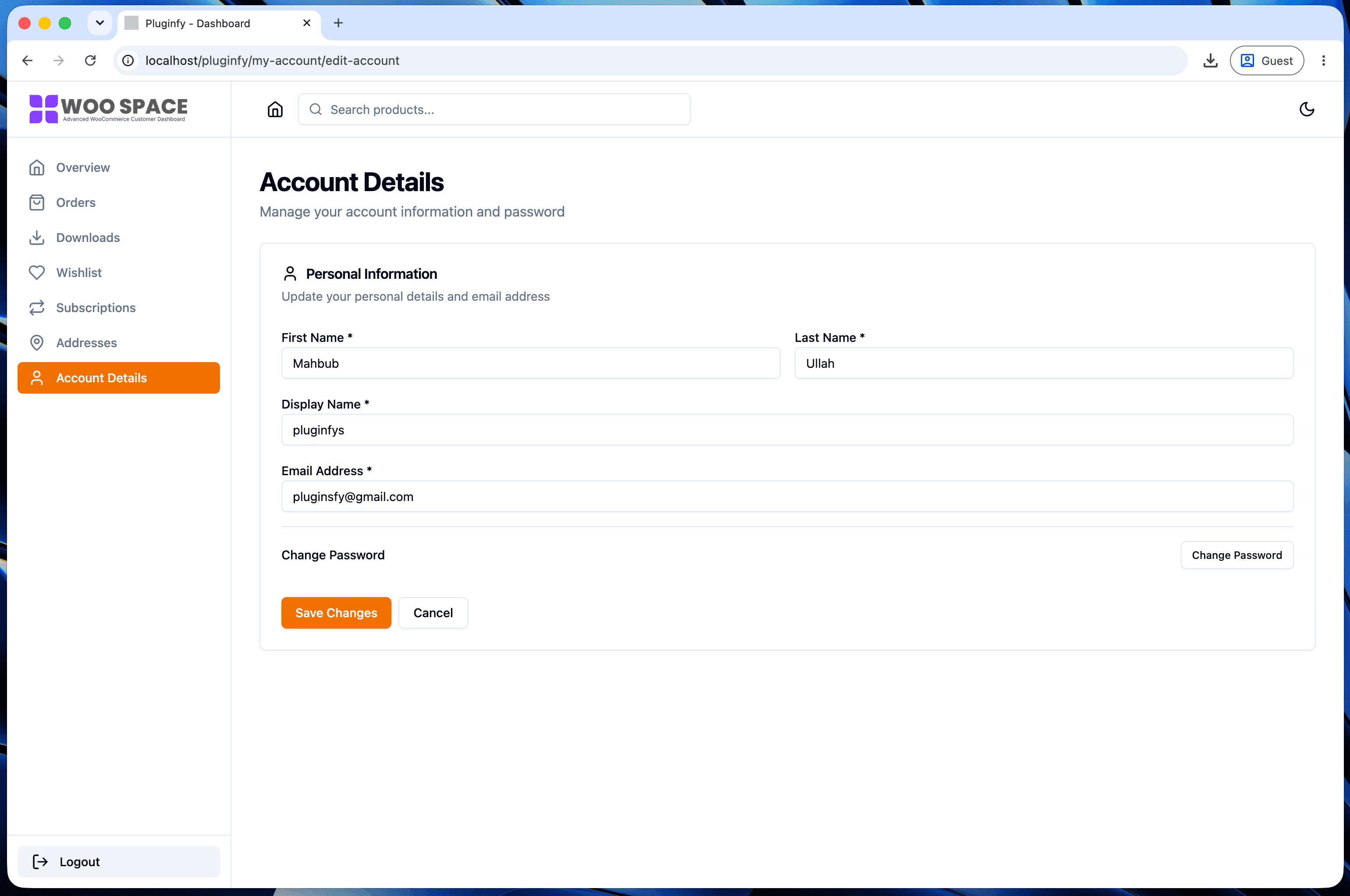
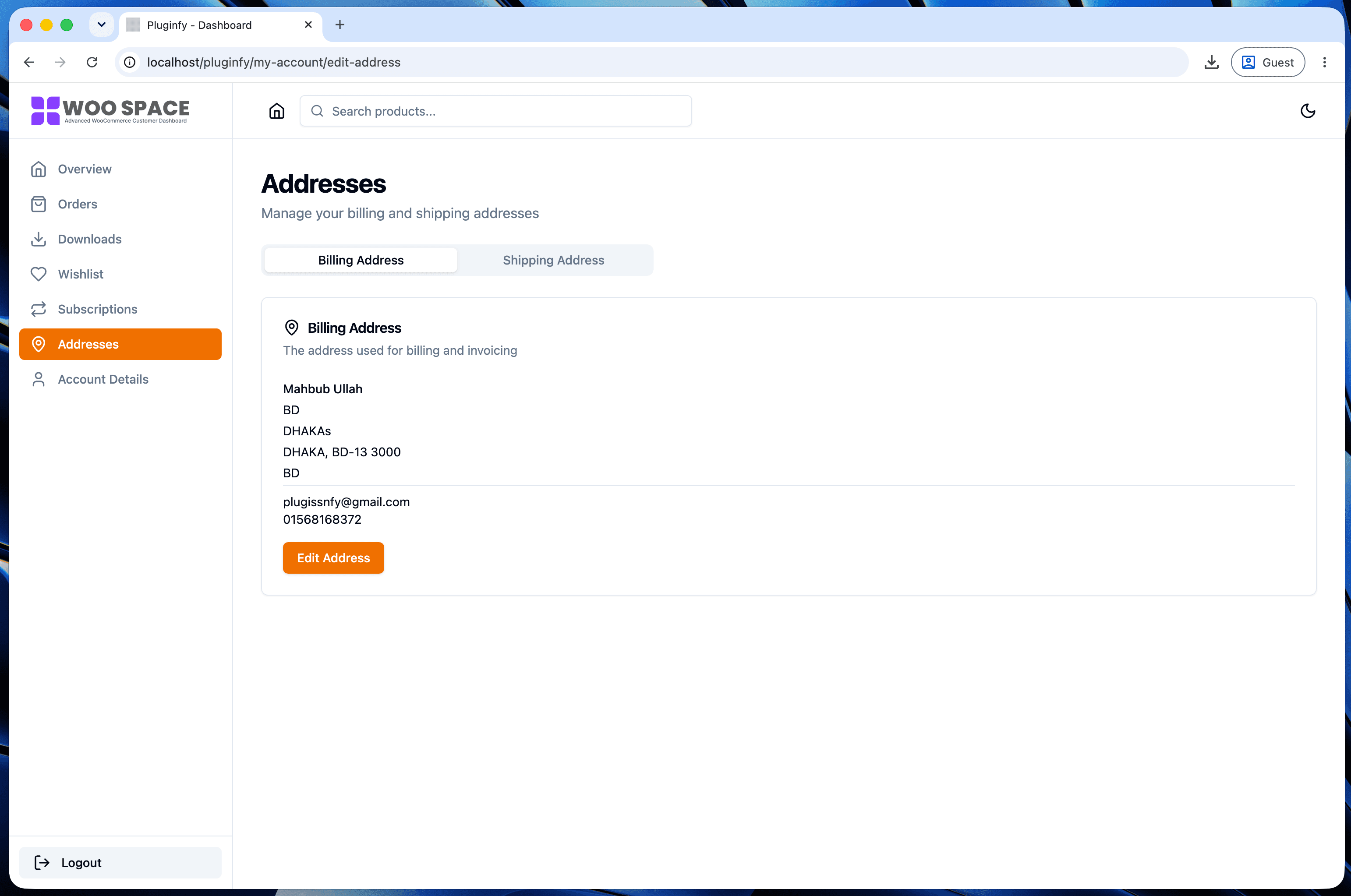
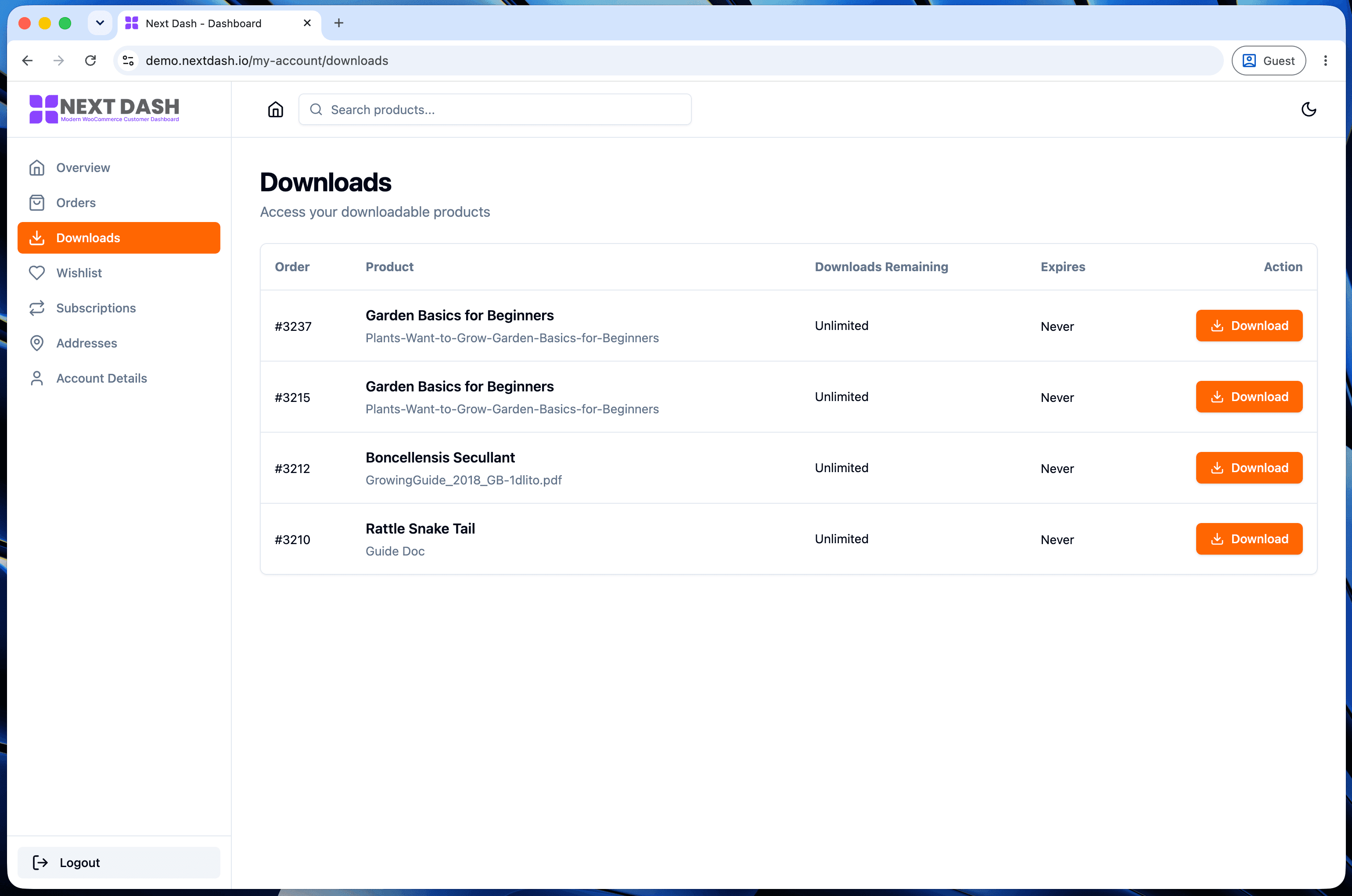
NextDash replaces the default WooCommerce My Account page with a modern React dashboard out of the box: order management, downloads, addresses, dark mode, and fast client-side navigation, no template overrides required.